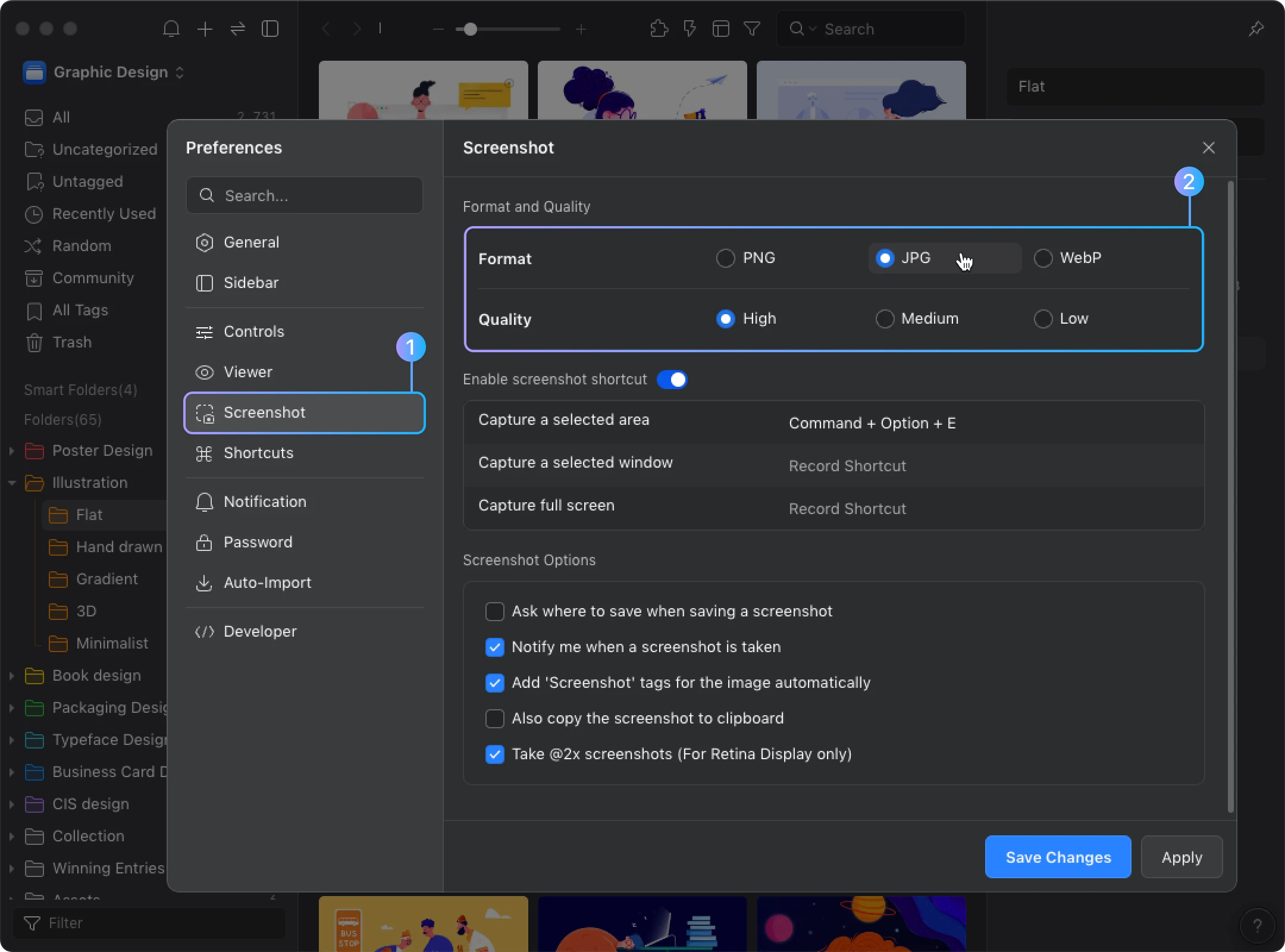
Eagle's built-in screenshot feature uses PNG format by default. However, you can switch to JPG or WebP format based on personal preference and storage needs, and also set the screenshot quality to high, medium, or low. Here are the steps to change the settings:
- Open Eagle's "Preferences" and select "Screenshot" on the left.
- Under the "Format and Quality" section on the right, select PNG, JPG, or WebP for "Output Format".
- Apply and save the settings.