Eagle requires properly functioning CMap (Character Mapping) data in font files for correct font parsing. If importing a font causes software crashes, it's likely due to data corruption or incompleteness in the font file during creation or download, preventing the browser from rendering text correctly.
How to Resolve Font Import Issues
To effectively resolve this issue, we recommend taking the following measures:
- Re-download the File: Return to the original source and download the file again to ensure no errors occurred during transmission and the data is complete.
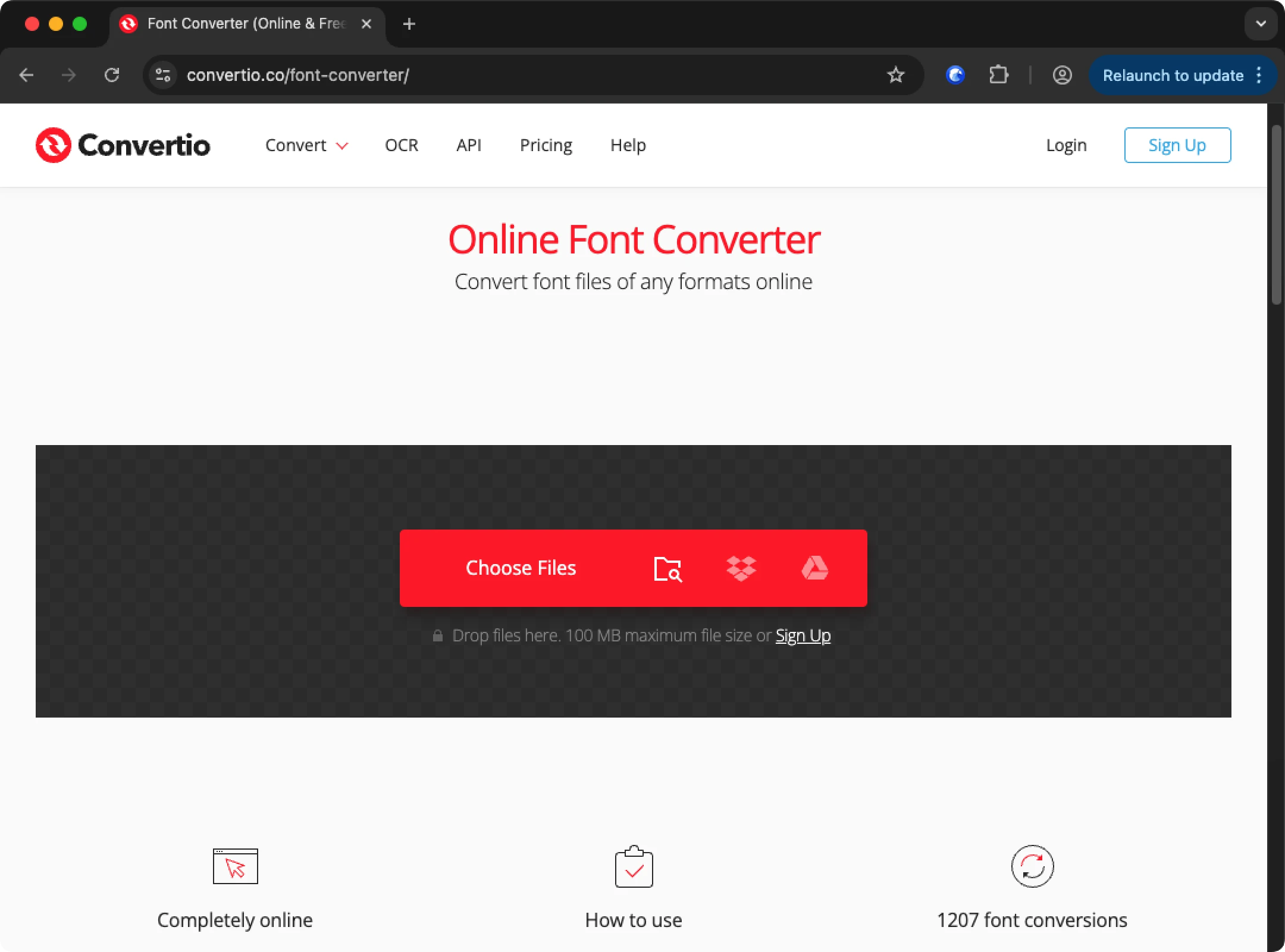
- Try Third-party Font Conversion Tools: You can use third-party font format conversion tools (such as Convertio) to regenerate the font file, for example, converting TTF format to OTF format. This approach usually solves the problem because during the conversion process, the format conversion tool will reparse and repair any potentially corrupted or missing data in the file.