
Eagle Resource Community adopts the protection mechanism provided by Cloudflare to offer more stable and secure services.
How to Pass Security Verification
When you visit Eagle Resource Community, you may see Cloudflare's security verification page. This is a security measure we have implemented to protect our servers from malicious attacks.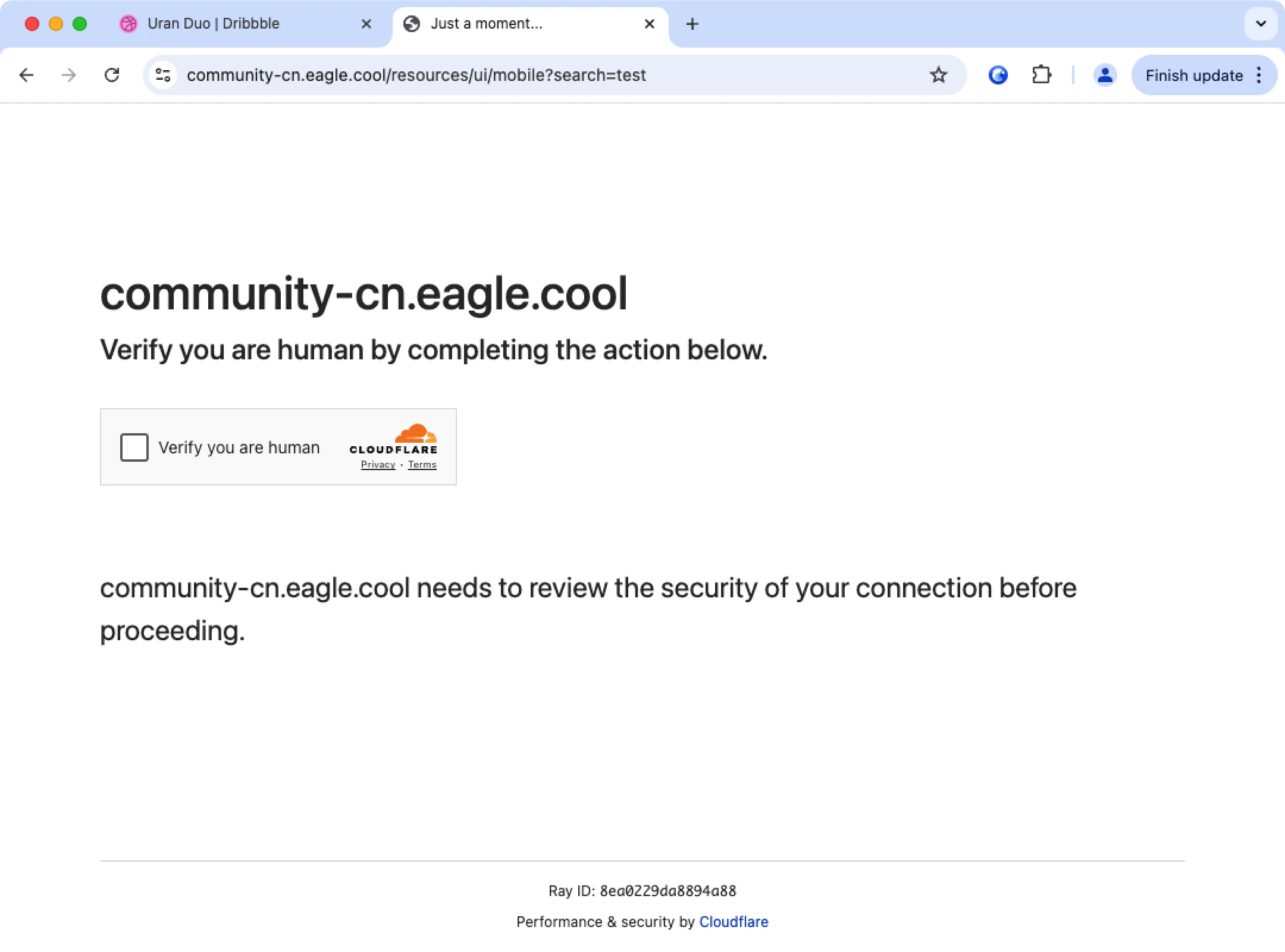
Please follow these steps to complete the verification:
- In the verification window that appears, check the appropriate option (usually the "I'm not a robot" checkbox)
- If required, complete the verification task (such as selecting specific images or answering simple questions)
- Click confirm or continue
After successful verification, you will be able to smoothly access Eagle Resource Community and use all features.
Important Notes
- Security verification is one-time and usually does not require repeated verification within the same browser session
- If you encounter infinite refreshing of the verification page, please try clearing your browser cache or using a different browser
- This security measure does not collect your personal information and is only used to confirm that visitors are real users