
When you use the Eagle browser extension to capture a full page screenshot, you might notice that the width of the screenshot differs from your actual screen width. This discrepancy is typically caused by two main factors:
UI Frame Margins
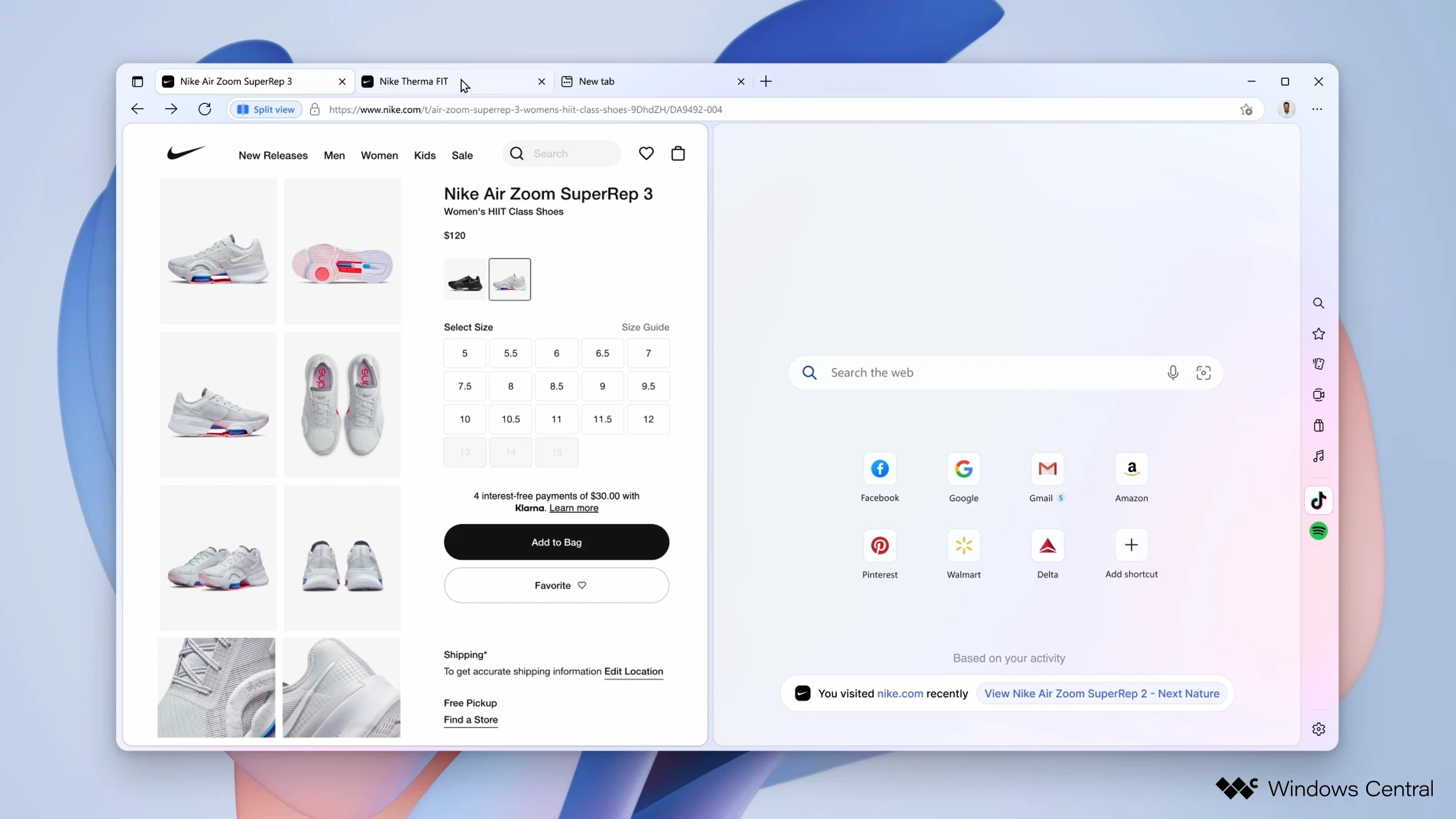
Most browsers add small blank margins on both sides of webpage content to enhance visual effects and improve user experience. For example:
- Microsoft Edge adds a 4-pixel margin on each side of the content to better highlight webpage elements
- This means when taking a screenshot, the resulting image will be 8 pixels narrower than your actual screen width (4 pixels on each side)
- For instance, if your screen width is 1920 pixels, the screenshot might only be 1912 pixels wide
Webpage Zoom Level
If you notice a significant difference between the screenshot width and what you expected:
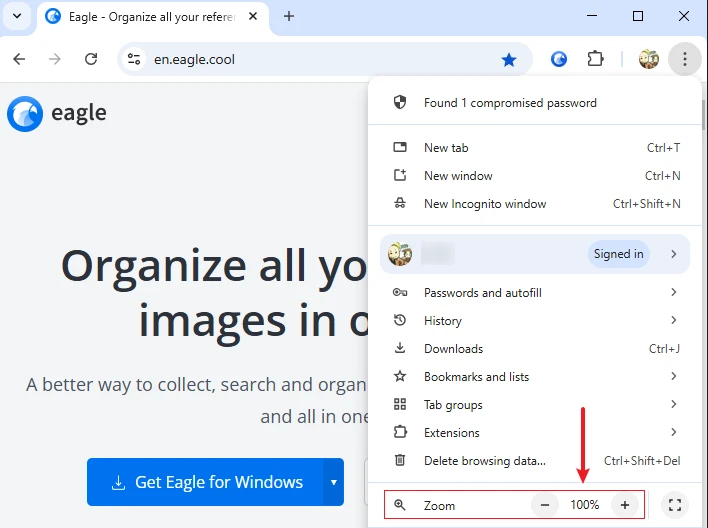
- Check if you've previously adjusted the webpage's zoom level
- Try resetting the zoom level to 100%
- Take the screenshot again to see if this resolves the issue
These factors are normal browser behaviors and not issues with the Eagle extension itself.