
Introduction
When importing ArtStation content into Eagle, you may encounter situations where the import process seems to get stuck at the loading stage. This typically happens due to network configuration issues or incorrect link format.
Common Causes and Solutions
Network Environment Settings
To successfully import ArtStation images, your setup must meet the following requirements:
- Having browser access to the internet alone is not sufficient
- Eagle needs proper internet connectivity (global proxy) to download ArtStation images
Correct Link Format Requirements
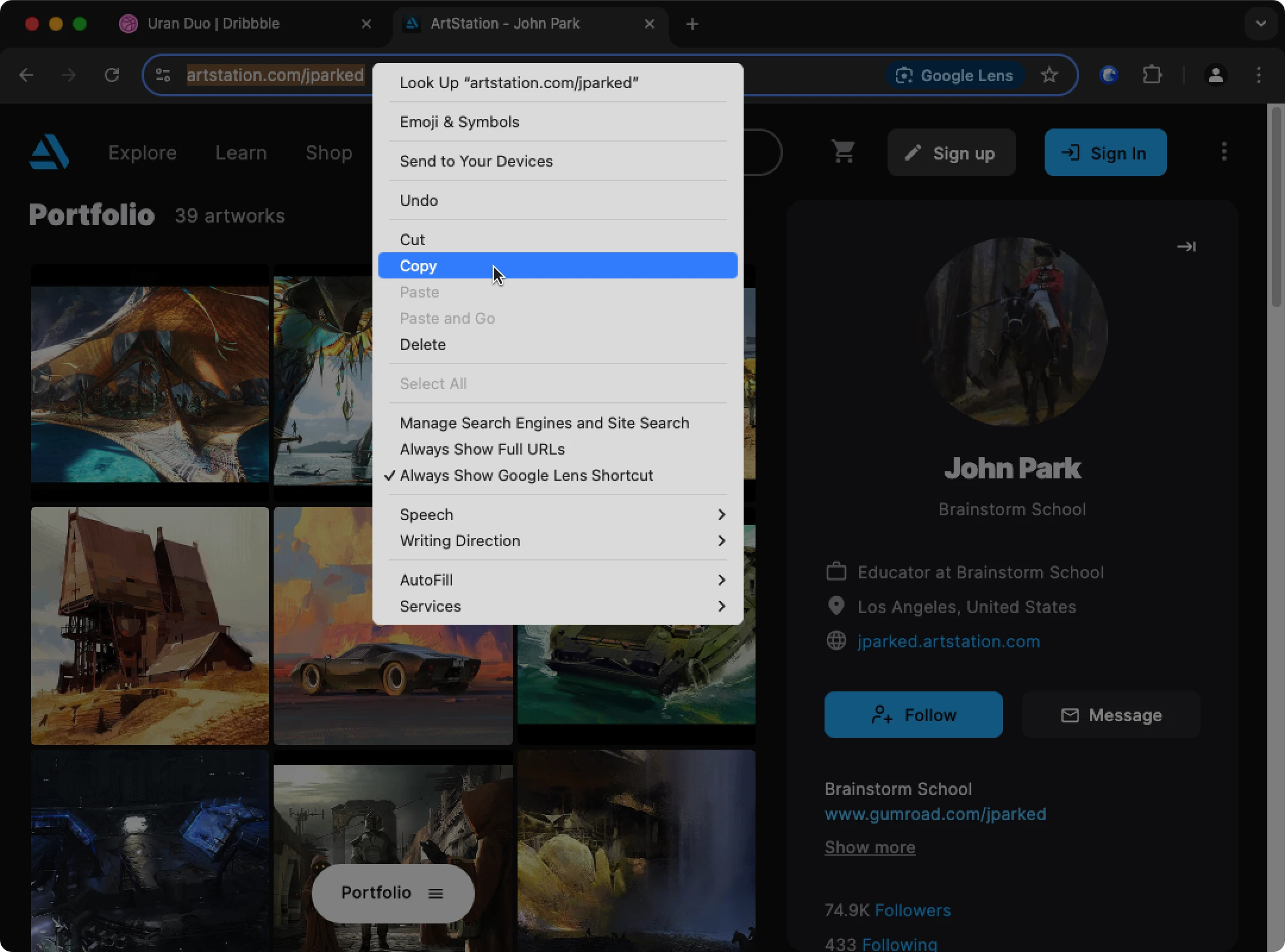
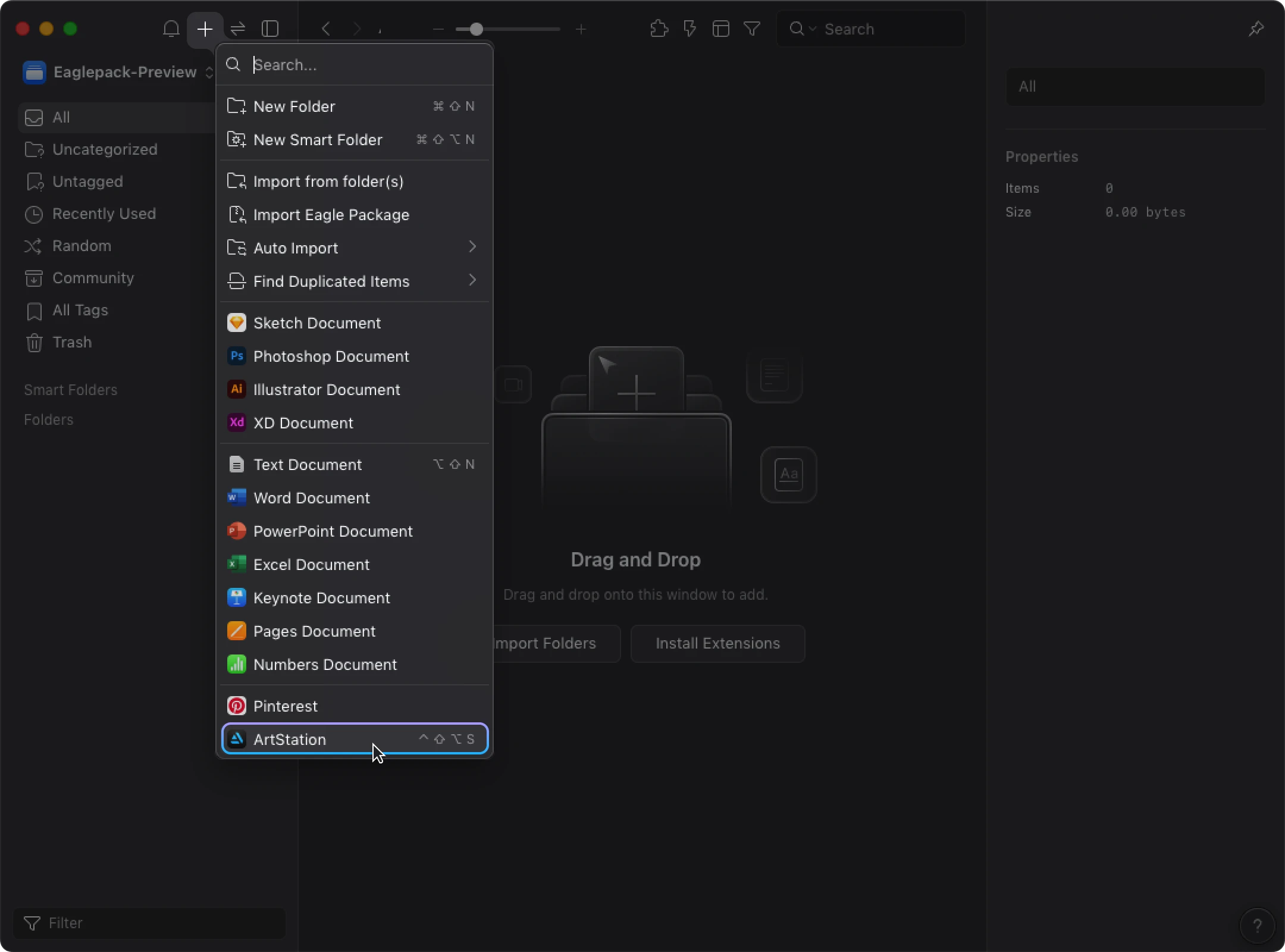
Eagle's ArtStation import feature is specifically designed for user profile content:
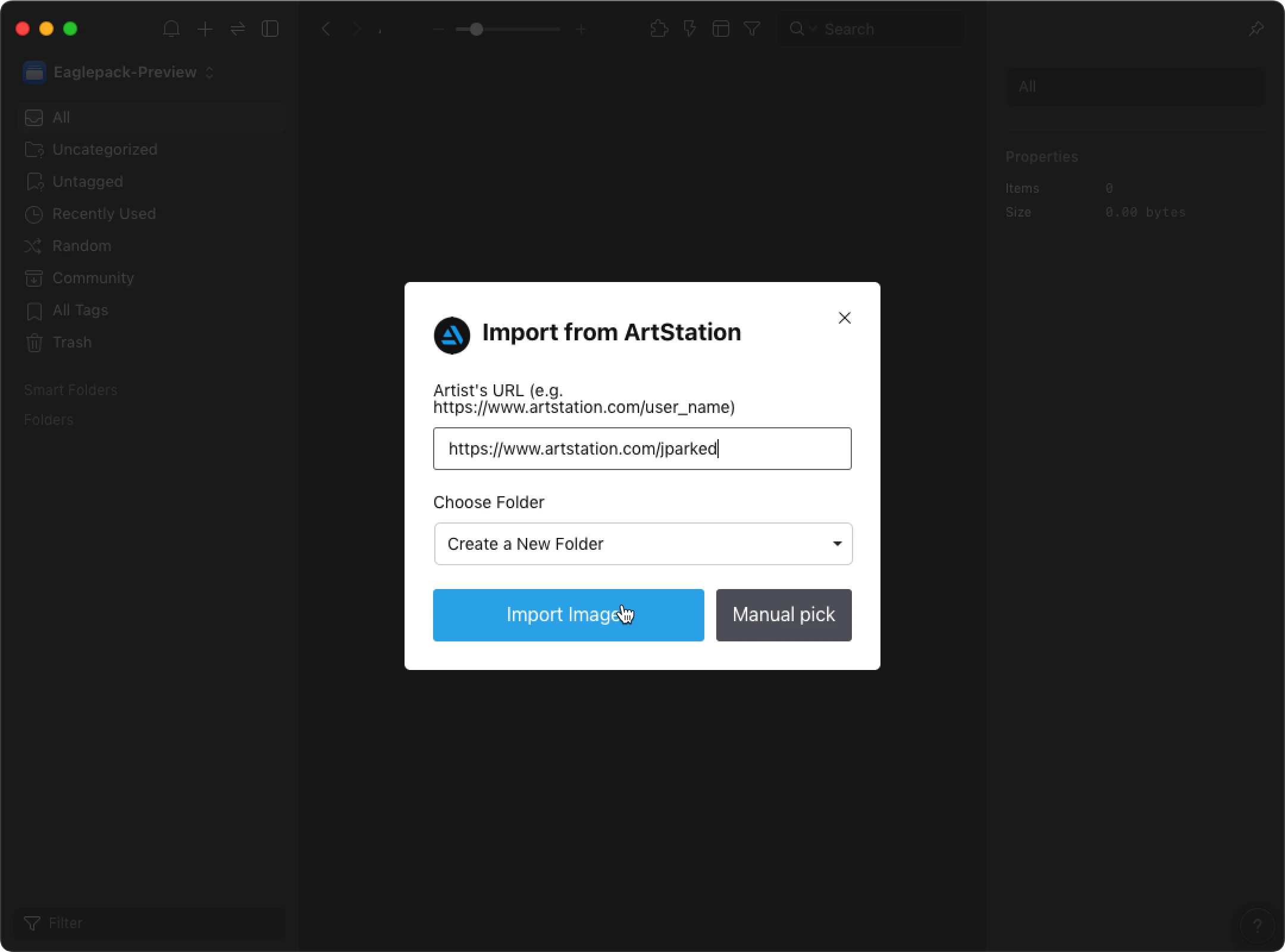
- The link should end with the user's username
- The correct format leads to a user's profile page, not individual artwork
Important Notes
- The "Import ArtStation Images" function cannot directly save images from specific artwork URLs
- If you input an individual artwork URL instead of a user profile URL, the import function will not work
- Always ensure you're using the correct user profile URL format for successful imports