
You can use the color filter to find images with a specific color, and color filter supports many color selection methods, such as recommended colors, custom colors, enter the color number. Use the color filter by following these steps:
- Click the "Funnel" button to open filter

- Click the "Color" button to select a color as a filter condition
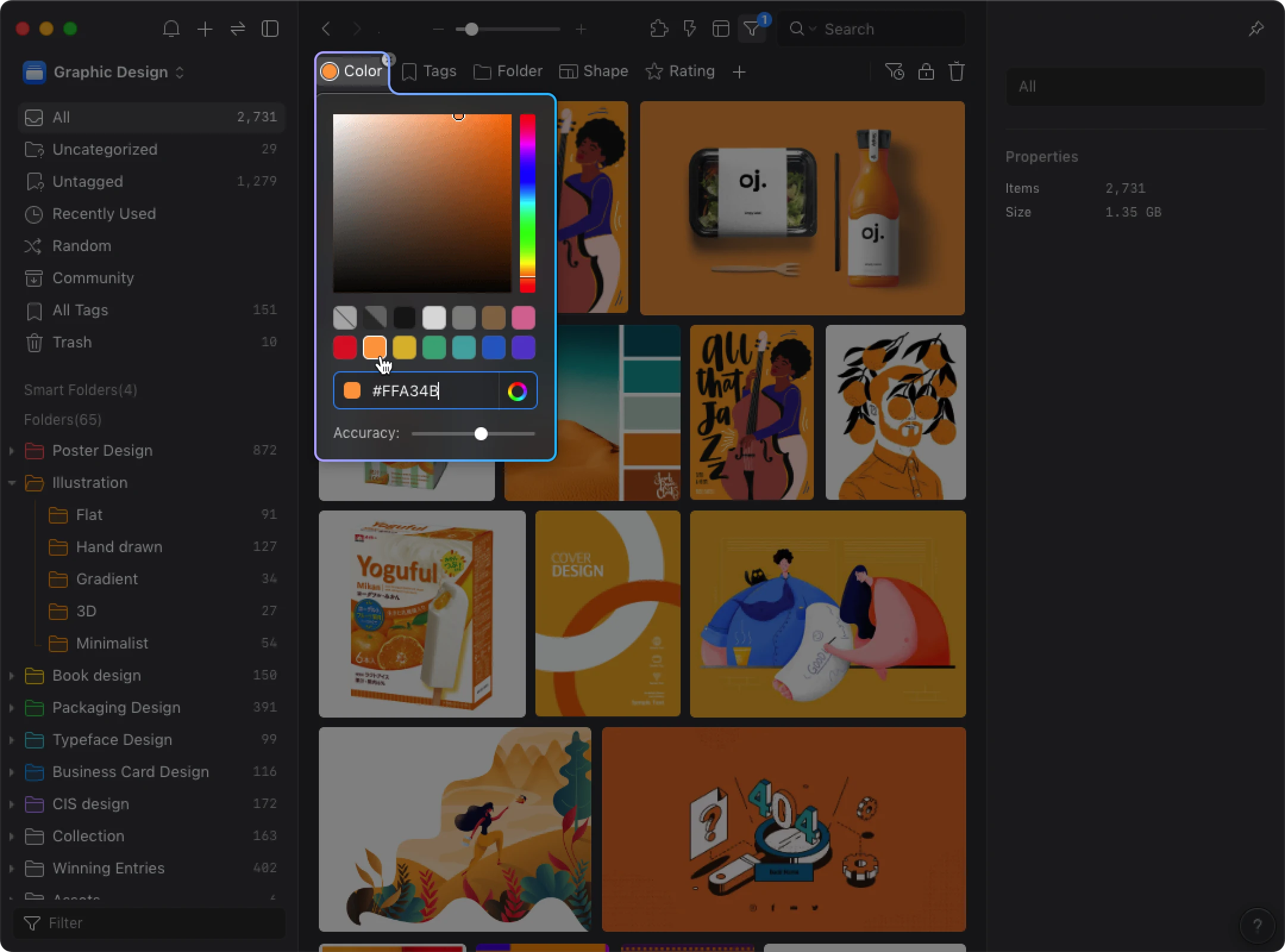
- The filter results will be displayed on the list

Note: Eagle's color filtering analyzes actual color codes in your images, not pre-assigned color tags, resulting in extremely precise search results.