
Eagle Resource Community account is separate from your software license key. To access the Resource Community features, you need to register a dedicated account first.
Registration Methods
You can register for an Eagle Resource Community account using one of these methods:
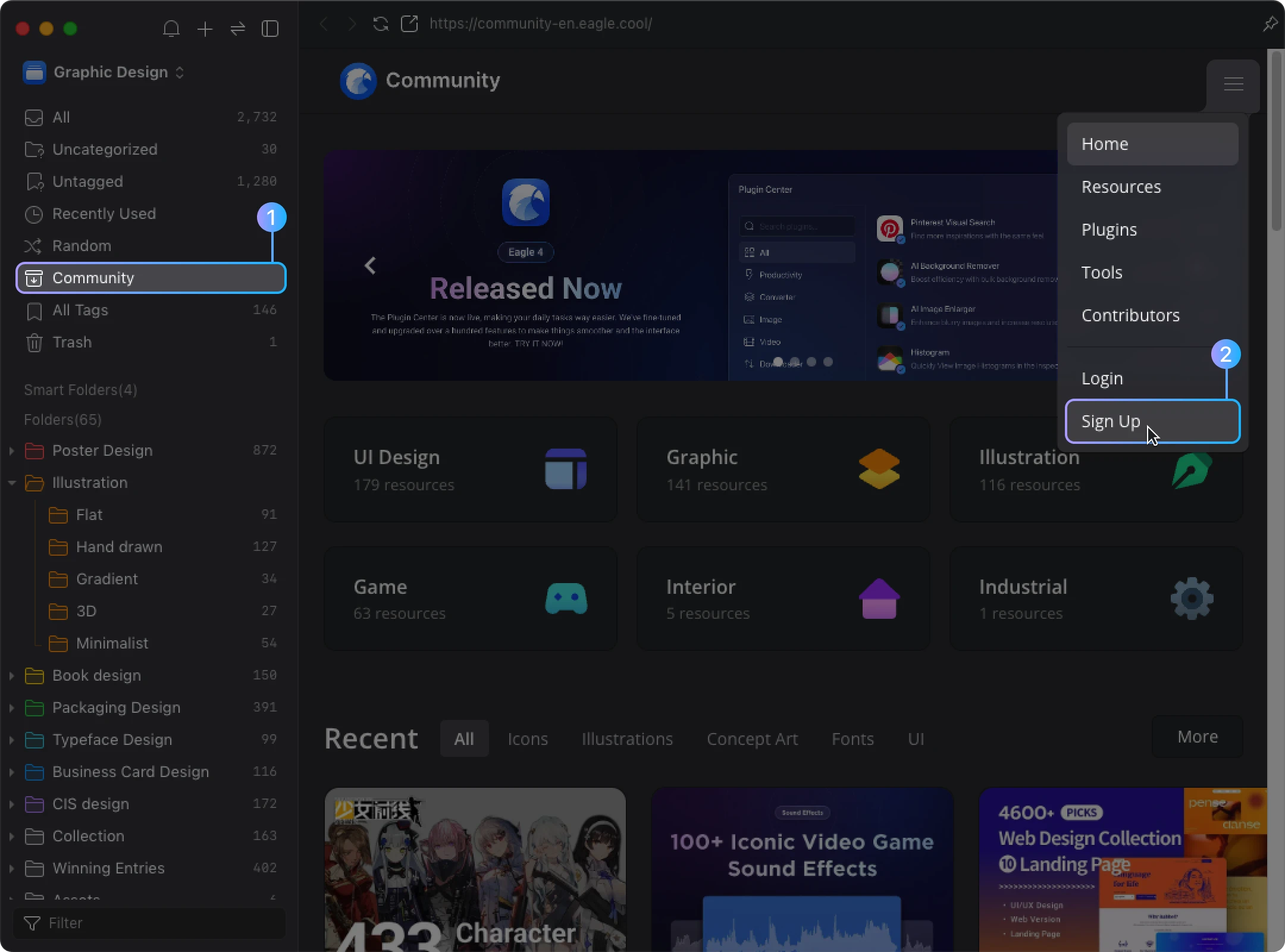
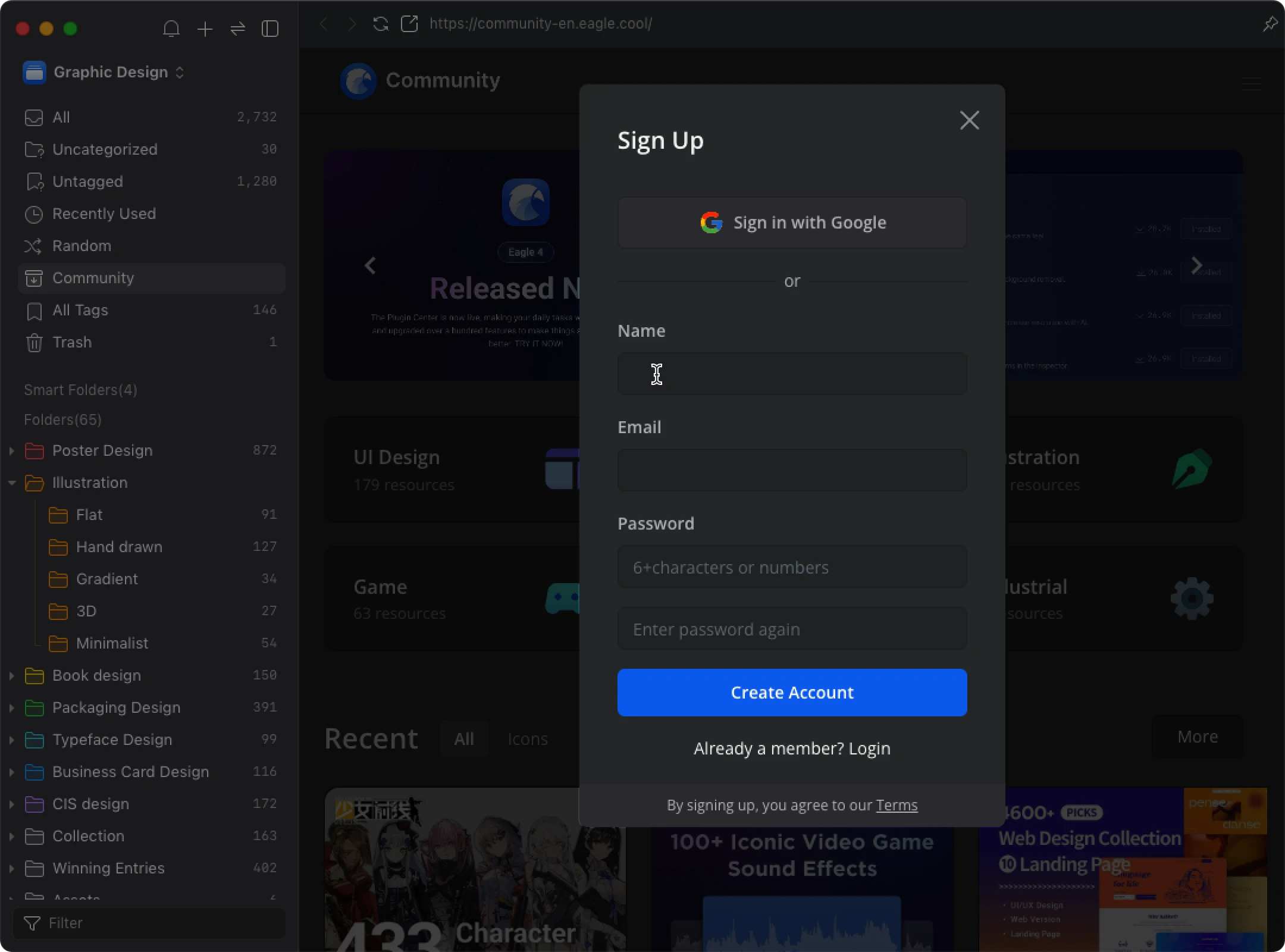
Option 1: Register within the Eagle Software
- Open your Eagle application
- Navigate to the Resource Community page
- Click the "Register" button in the top right corner to create your account
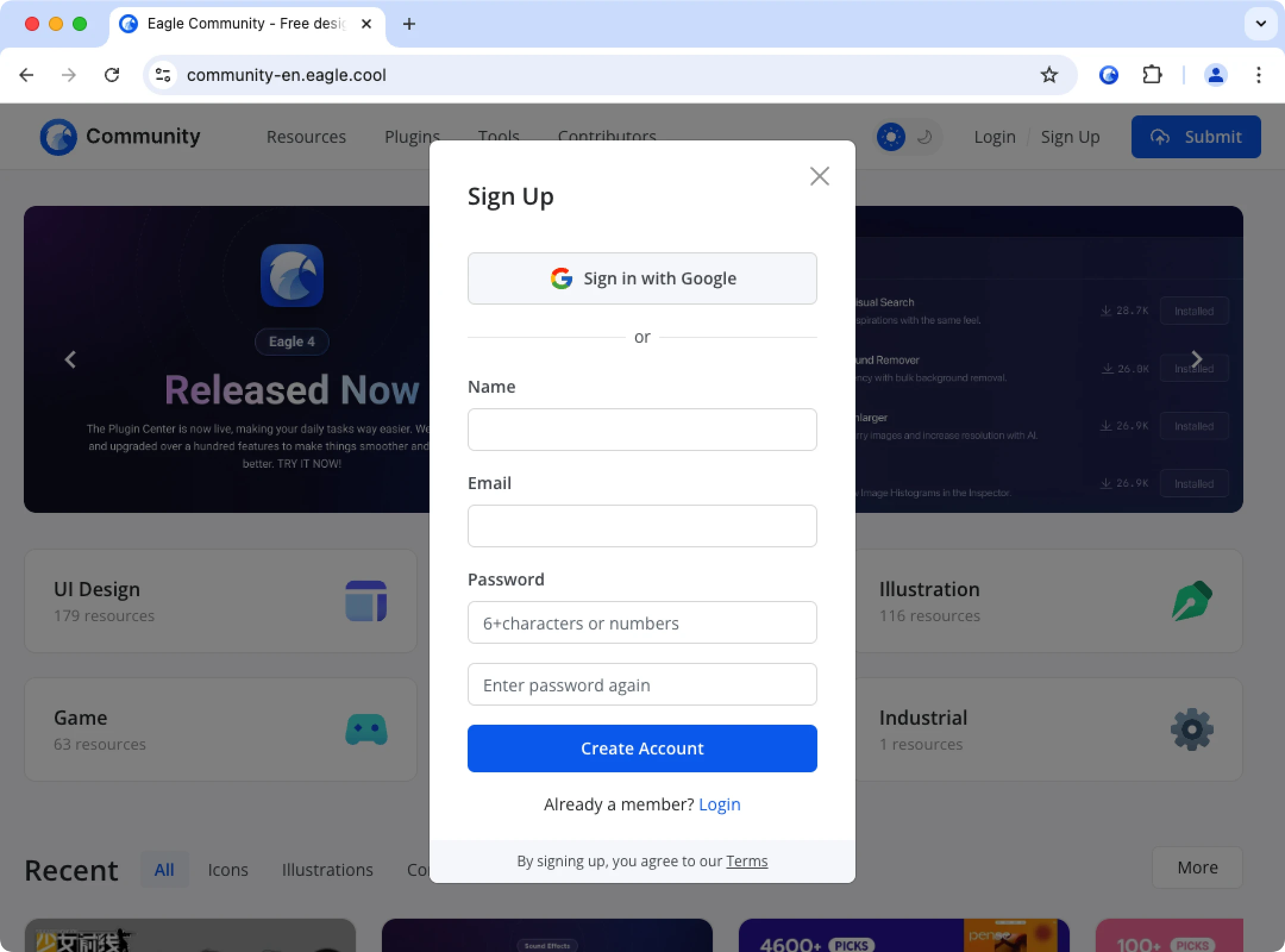
Option 2: Register through a Web Browser
- Within the Eagle software, click on the Resource Community link in the top left corner
- This will open the Resource Community webpage in your default browser
- Click the "Register" button in the top right corner of the webpage
Important Notes
- The Resource Community account is completely separate from your Eagle license
- You only need to register once to access all Resource Community features
- Your email address will be used as your login username