
When using Eagle to collect images, you may have noticed that locked (encrypted) folders still appear in the folder selection list during extension or batch collection.
Issue Description
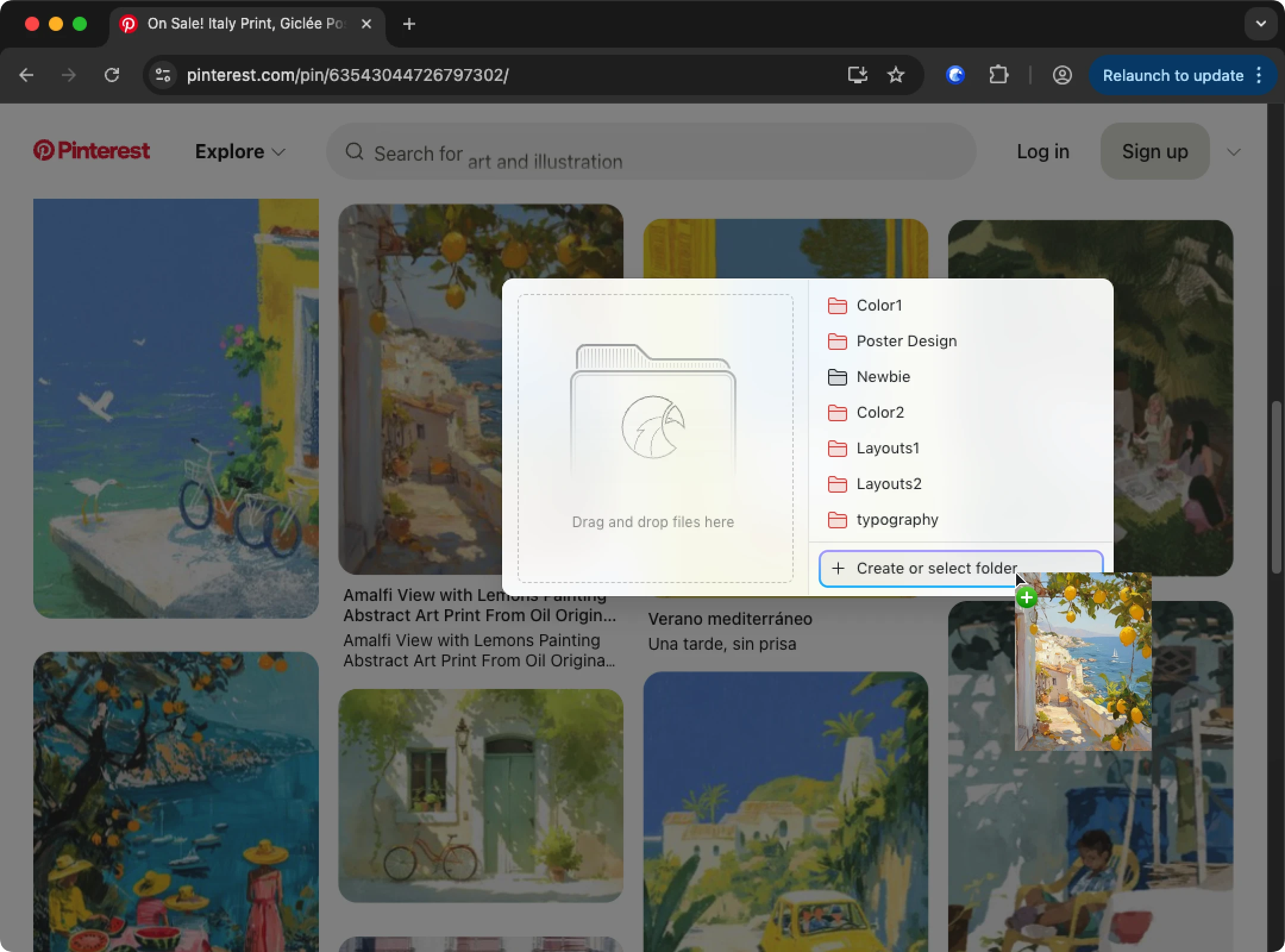
When you use the Eagle extension to drag and collect images, or use the batch collection feature to select a target folder, locked (encrypted) folders still appear in the list.
Current Status
- This is a known issue. Currently, Eagle does not provide the functionality to hide encrypted folders in extension options.
- We have recorded this requirement and will consider adding this feature in future versions to improve the security and user experience of encrypted folders.