
In Eagle, you can easily exclude specific keywords from your search results using the reverse keyword search feature. This allows you to refine your searches and find exactly what you need while filtering out unwanted content.
How to Use Reverse Keyword Search
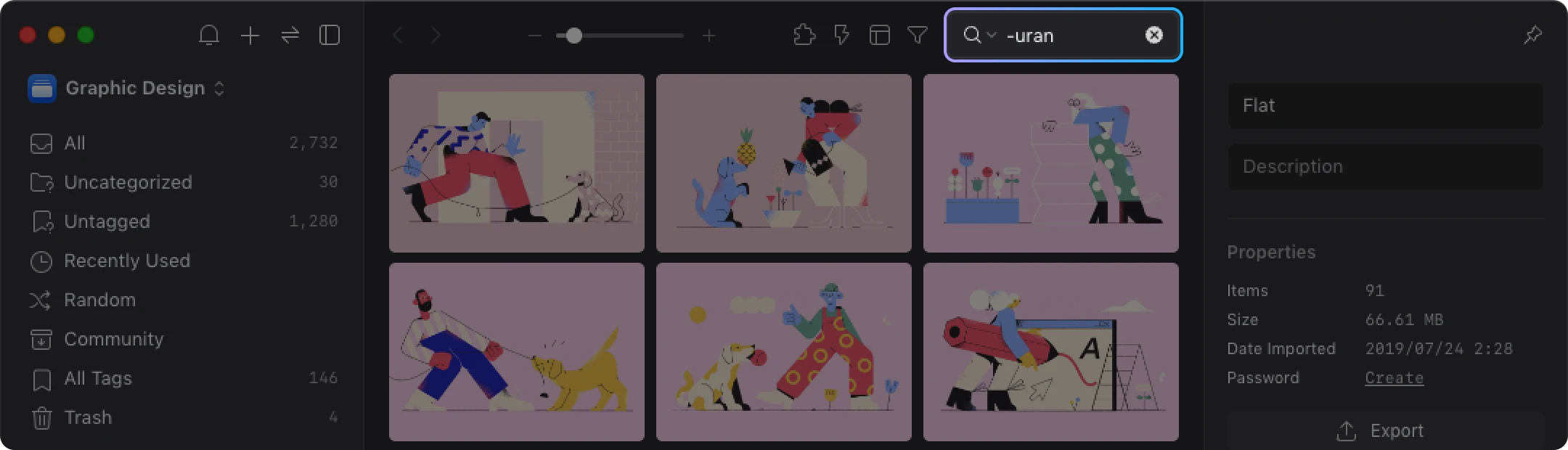
To exclude specific keywords from your search results:
- Add a minus sign (-) directly before the keyword you want to exclude
- Enter this in the search bar
- Eagle will filter out all results containing that keyword
For example, if you want to search for all content except items containing "uran", simply type -uran in the search bar.

Advanced Usage
You can combine multiple exclusions in one search by adding multiple minus terms. For example, -uran -landscape would exclude all items containing either "uran" or "landscape".
This reverse search technique works alongside other search filters and can help you quickly narrow down your library to find exactly what you're looking for.