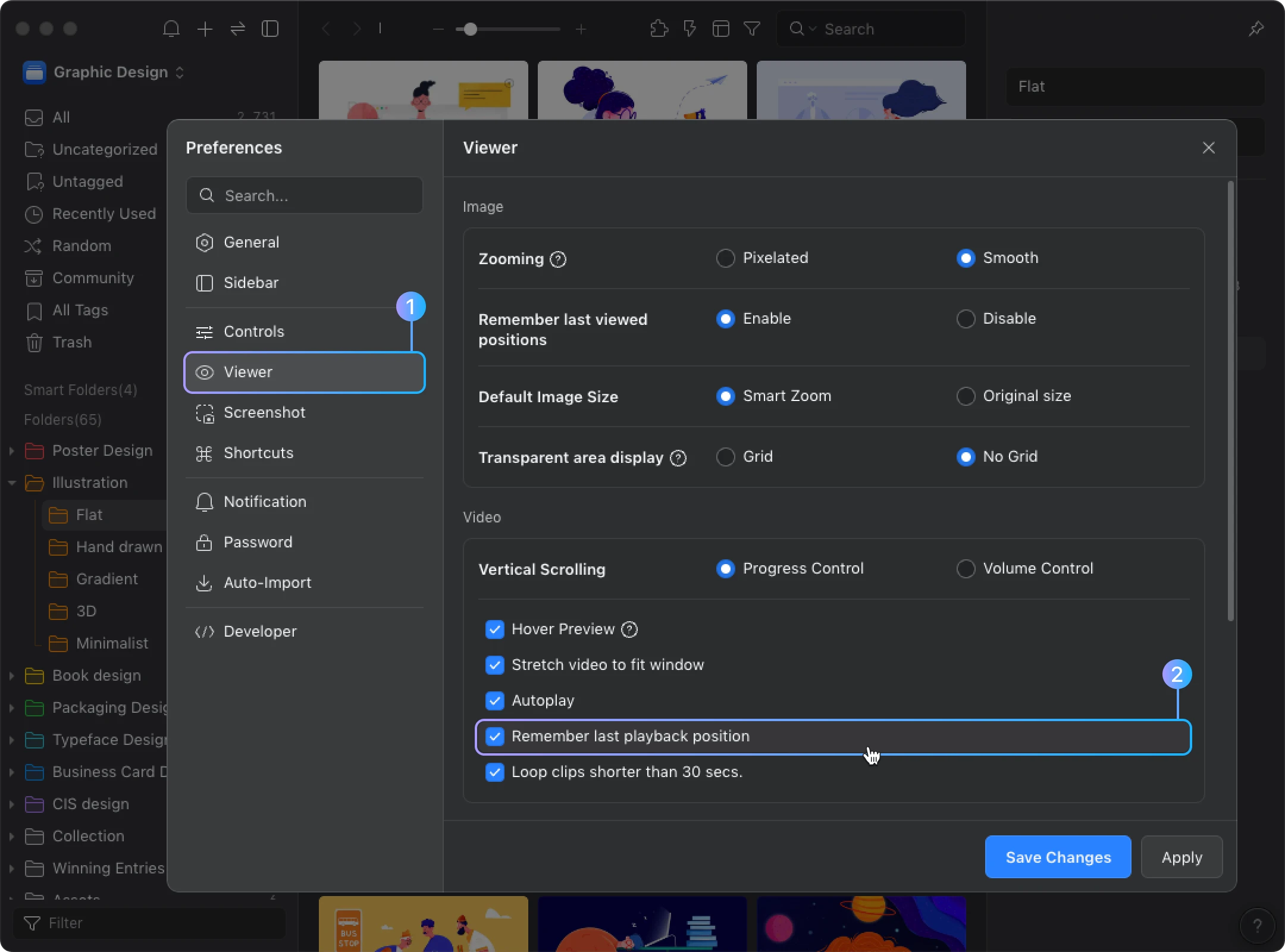
Eagle's default "Remember Last Playback Position" feature allows videos to resume from where you left off, eliminating the need to manually find your place on the timeline. If you want to disable this feature, follow these steps:
- Open Eagle's "Preferences" and select "Viewer" on the left.
- Under the "Video" section on the right, uncheck "Remember last playback position".
- Apply and save the settings.