
Eagle's copy link feature can be used seamlessly in Notion and other external services, allowing you to easily share and access materials.
Compatible Services
Starting from Eagle 4.0 Build 7 (20241127) and subsequent versions, the copy link format has been optimized, making Eagle links usable in almost any service, including:
- Notion documents
- Browser address bar
- Other applications that support hyperlinks
How to Use
-
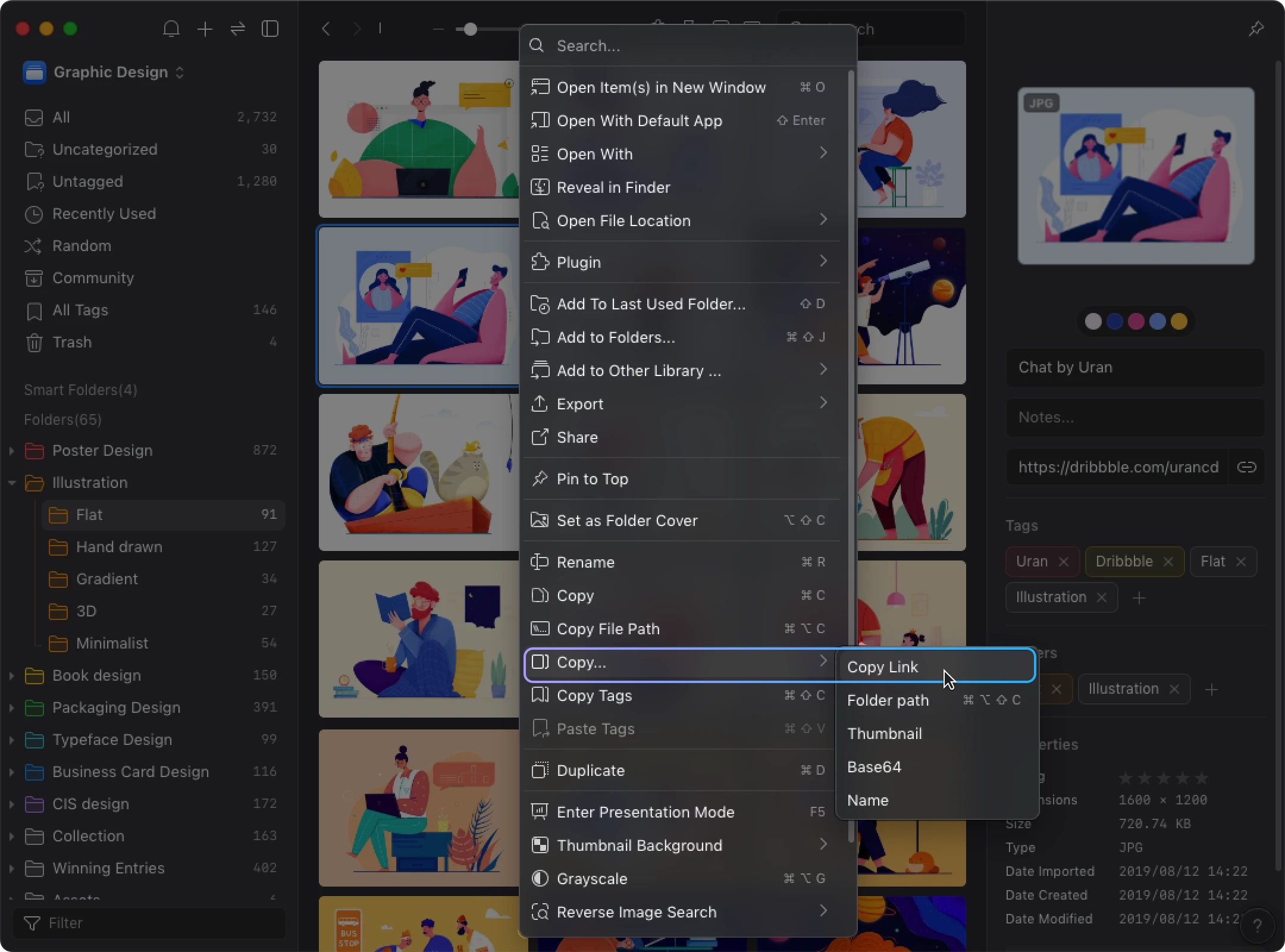
Select the image you want to share in Eagle
-
Right-click and select "Copy" > "Copy Link"
-
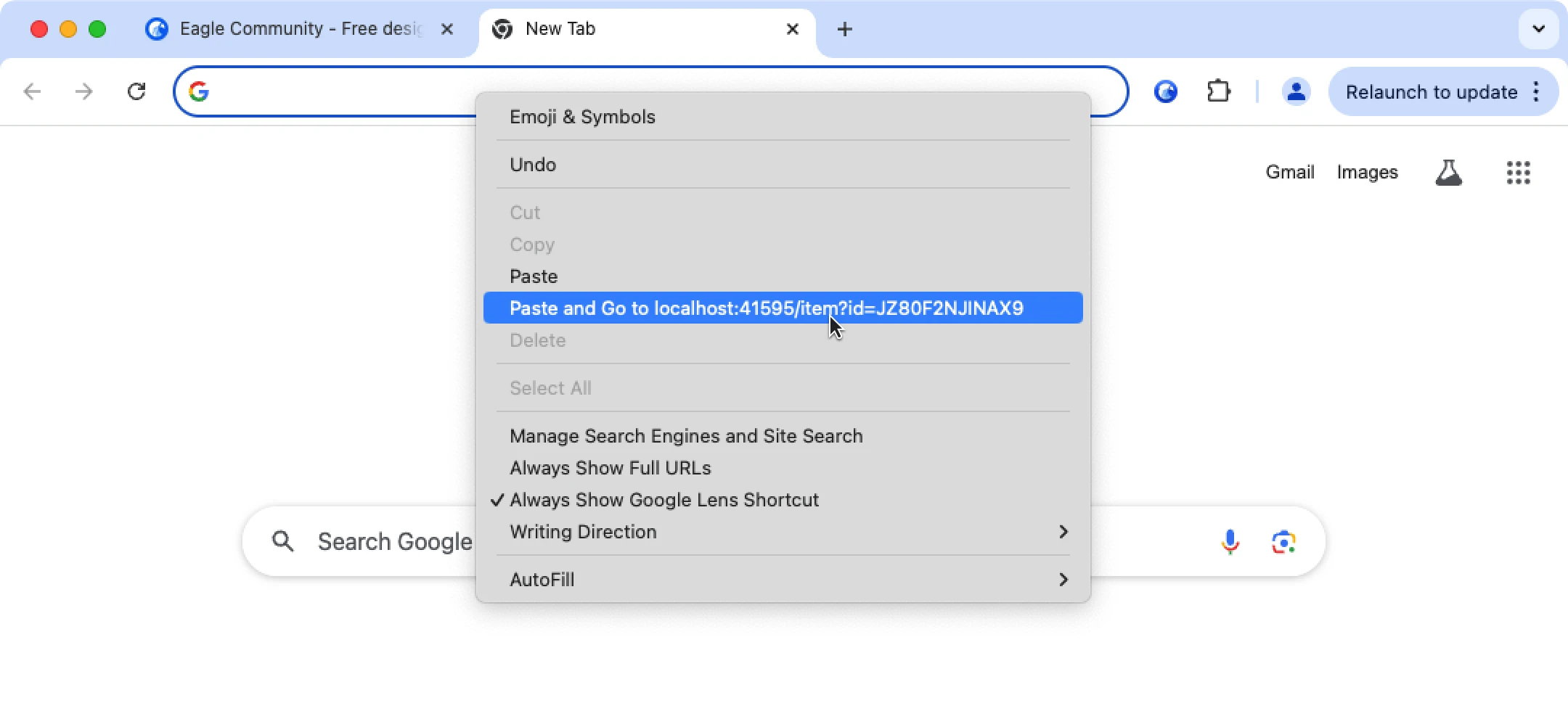
Paste the copied link where you need it, such as in a Notion page or browser address bar
-
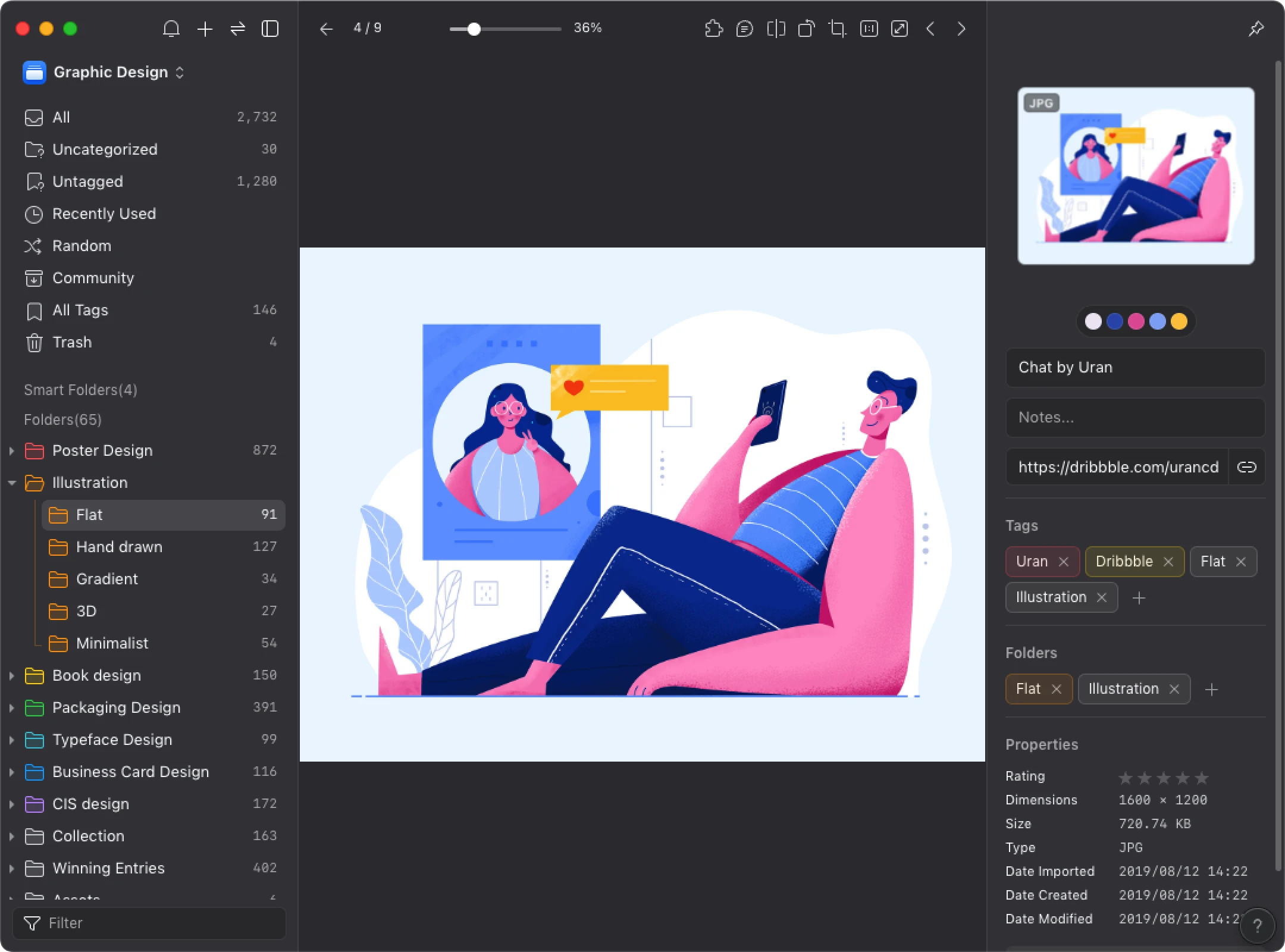
After clicking the link, the system will automatically open Eagle and preview the corresponding image
Important Notes
- This feature requires Eagle 4.0 Build 7 (20241127) or higher
- The device receiving the link must have Eagle installed to open the preview