Eagle
  • 홈
  • 확장 프로그램
  • 블로그
  • 학습

    빠른 시작비디오 튜토리얼모든 기능

    디자인 리소스

    UI 디자인폰트아이콘일러스트레이션도구

    개발자

    플러그인 센터플러그인 APIWeb API
  • 지원
요금제 및 가격
홈 확장 프로그램 블로그 지원 요금제 및 가격

학습

빠른 시작비디오 튜토리얼모든 기능

디자인 리소스

UI 디자인폰트아이콘일러스트레이션도구

개발자

플러그인 센터플러그인 APIWeb API
모든 지식 리소스 비하인드 업데이트
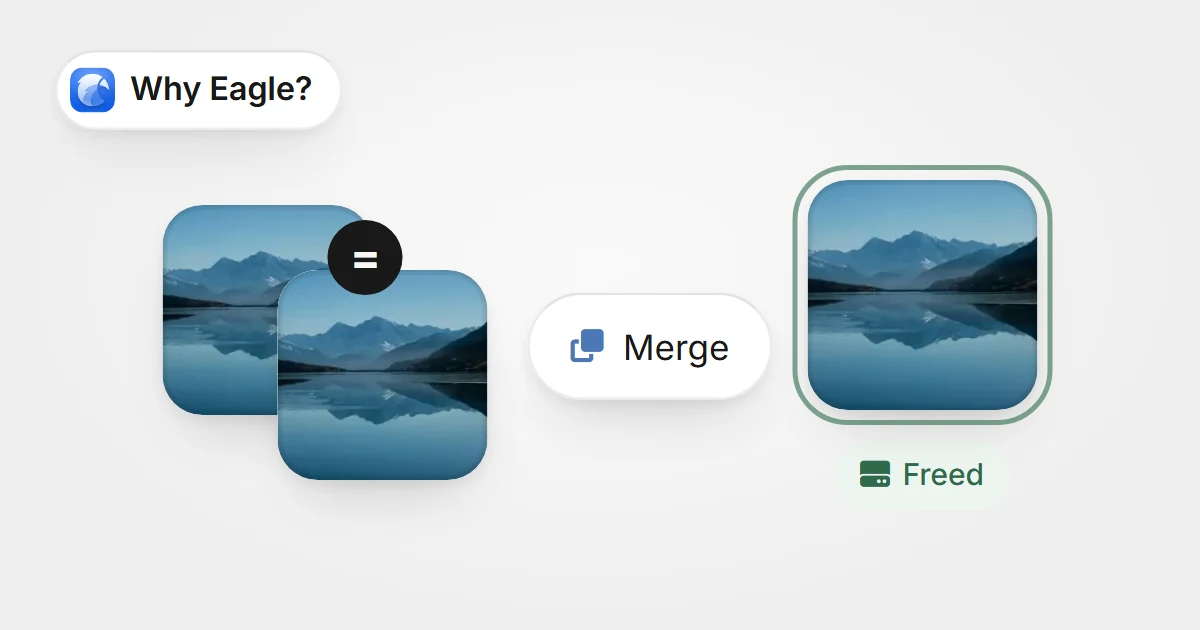
같은 이미지의 똑같은 사본 두 개가 하나로 합쳐지고 디스크 공간이 비었다는 Freed 표시가 붙은 모습같은 이미지의 똑같은 사본 두 개가 하나로 합쳐지고 디스크 공간이 비었다는 Freed 표시가 붙은 모습

No More Duplicate Images: Eagle’s Scanning for Identical Files Frees Up Your Hard Drive

Eagle’s Scanning for Identical Files feature automatically detects and merges duplicate files—including tags and notes—so you can quickly free up valuable storage space and keep your asset library organized.

지식2025-07-07
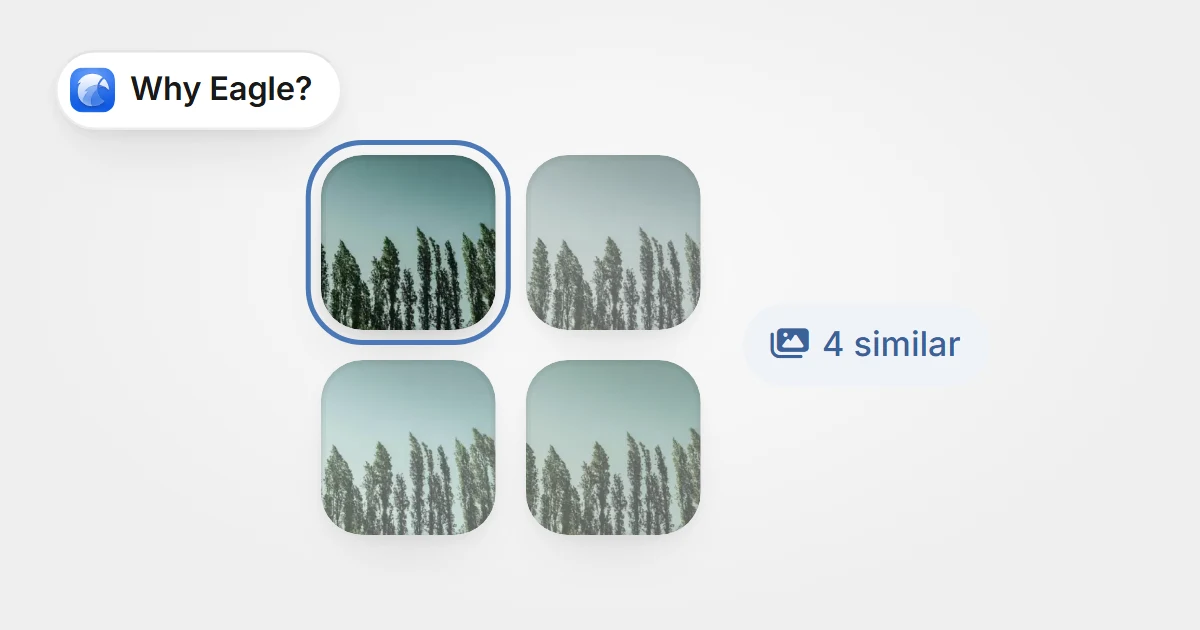
한 사진의 비슷한 버전 네 장이 한데 묶이고 그중 한 장을 남기며 4 similar 표시가 붙은 모습한 사진의 비슷한 버전 네 장이 한데 묶이고 그중 한 장을 남기며 4 similar 표시가 붙은 모습

Say Goodbye to Lookalike Image Nightmares: Free Up Space Instantly with Eagle’s Similar Duplicate Image Finder

Eagle’s Similar Duplicate Image Finder quickly identifies lookalike images in large libraries and helps you merge or delete true duplicates—freeing up space and boosting organization.

지식2025-07-07
Eagle 4.0 Build11: Stability Enhancements and Bug Fixes

Eagle 4.0 Build11: Stability Enhancements and Bug Fixes

This update focuses on improving user experience and stability. It fixes various issues related to drag-and-drop, tag sorting, folder naming, and renaming processes. Enhancements include better similar image detection, support for long audio files, AVIF preview, and new thumbnail display controls to streamline your workflow.
업데이트2025-06-27
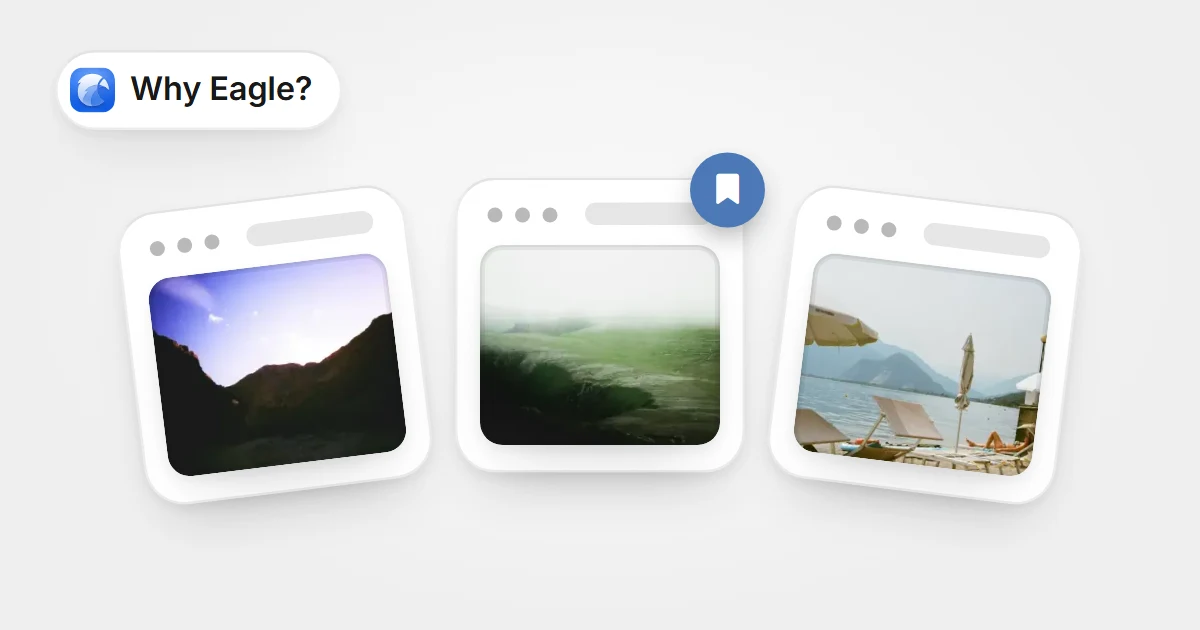
웹 페이지 세 개가 썸네일이 있는 북마크 카드로 저장되고 가운데 카드에 북마크 표시가 붙은 모습웹 페이지 세 개가 썸네일이 있는 북마크 카드로 저장되고 가운데 카드에 북마크 표시가 붙은 모습

Beyond Traditional Bookmarks: A Smarter Way to Collect and Organize Webpages

Eagle's web bookmark offers designers visual inspiration management with thumbnail previews, flexible categorization, tags, embedded browsing, and notes, overcoming traditional bookmark limits to boost efficiency.

지식2025-06-20
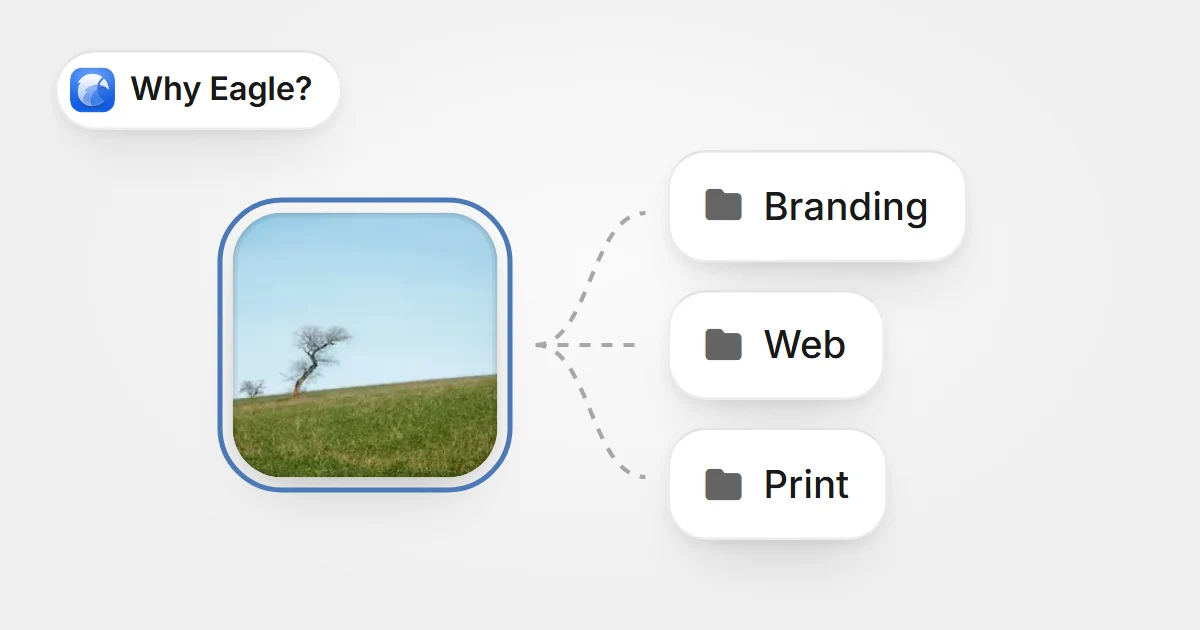
이미지 한 장을 복제하지 않고 Branding, Web, Print 세 폴더에 동시에 넣은 모습이미지 한 장을 복제하지 않고 Branding, Web, Print 세 폴더에 동시에 넣은 모습

How Eagle Helps Designers Efficiently Organize and Manage Design Assets

Eagle streamlines design asset organization with fast categorization, batch processing, and sorting into multiple folders, saving space. Powerful search boosts your creative flow.

지식2025-06-20
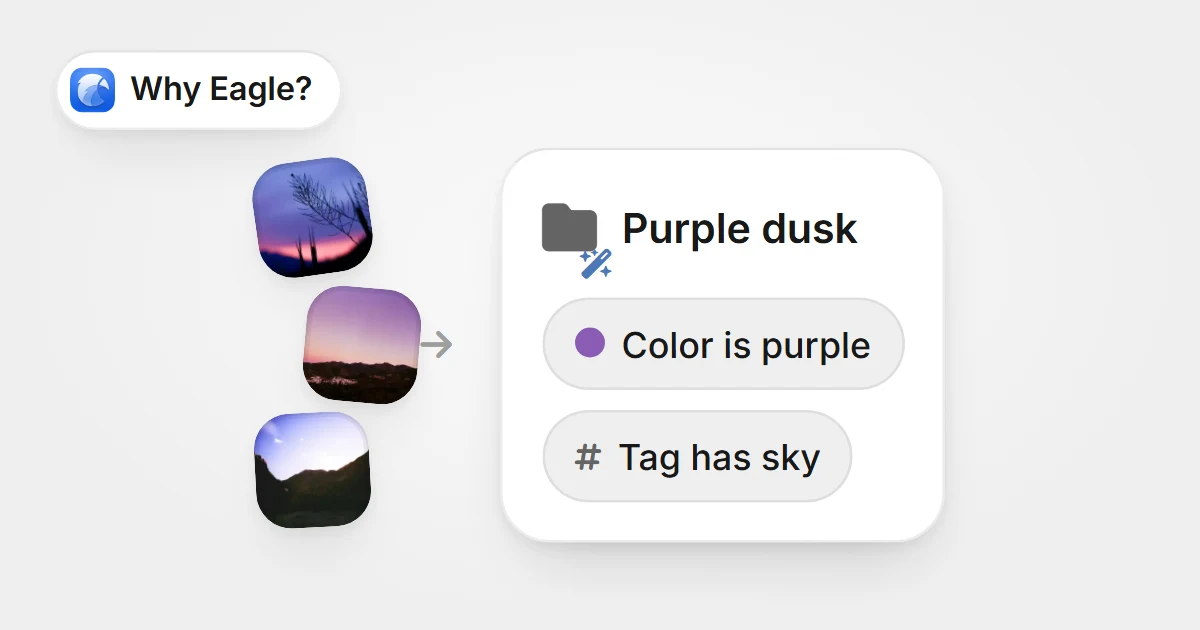
보랏빛 이미지가 색상 규칙과 태그 규칙으로 정한 스마트 폴더 Purple dusk로 저절로 모이는 모습보랏빛 이미지가 색상 규칙과 태그 규칙으로 정한 스마트 폴더 Purple dusk로 저절로 모이는 모습

How Traditional Folders Slow Down Your Design Workflow: A Deep Dive into Eagle's Smart Folders

Eagle's smart folders auto-categorize assets, solving designers' management pain points and boosting workflow efficiency and creativity.

지식2025-06-20
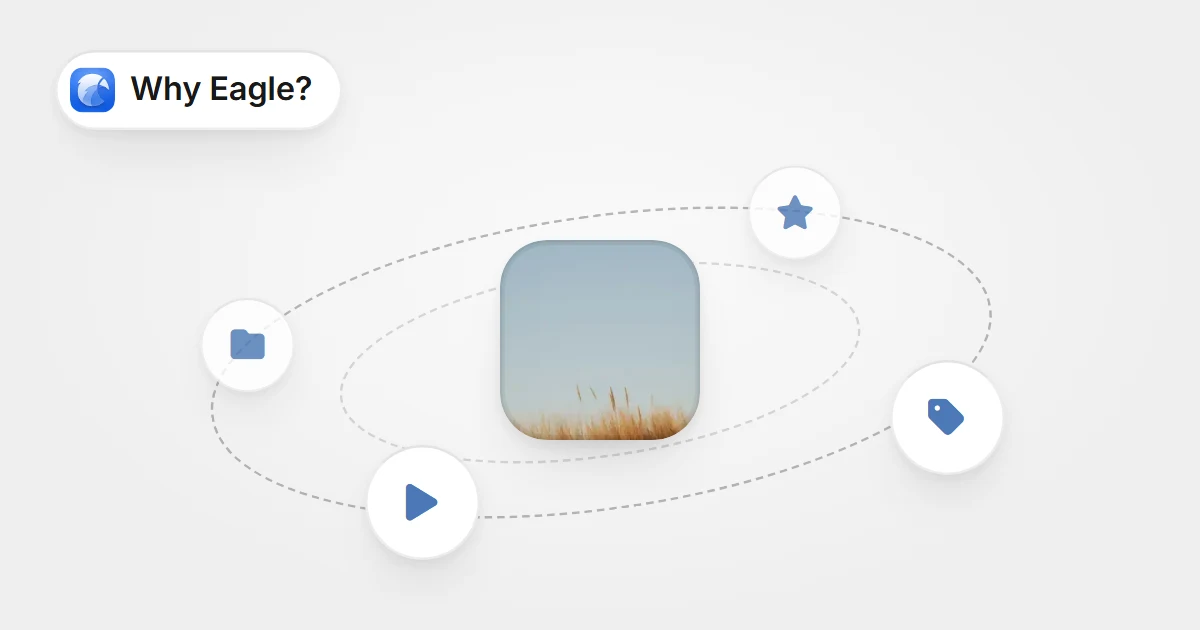
가운데 이미지 주위를 폴더 이동, 별점, 태그, 실행 동작이 도는 모습가운데 이미지 주위를 폴더 이동, 별점, 태그, 실행 동작이 도는 모습

Stop Wasting Time on Repetitive Tasks: Eagle’s “Actions” Automates the Dullest Parts of Design Asset Management

Automate repetitive design tasks with Eagle’s Actions—organize, tag, and rate files in one click for a faster, more efficient creative workflow.

지식2025-06-20
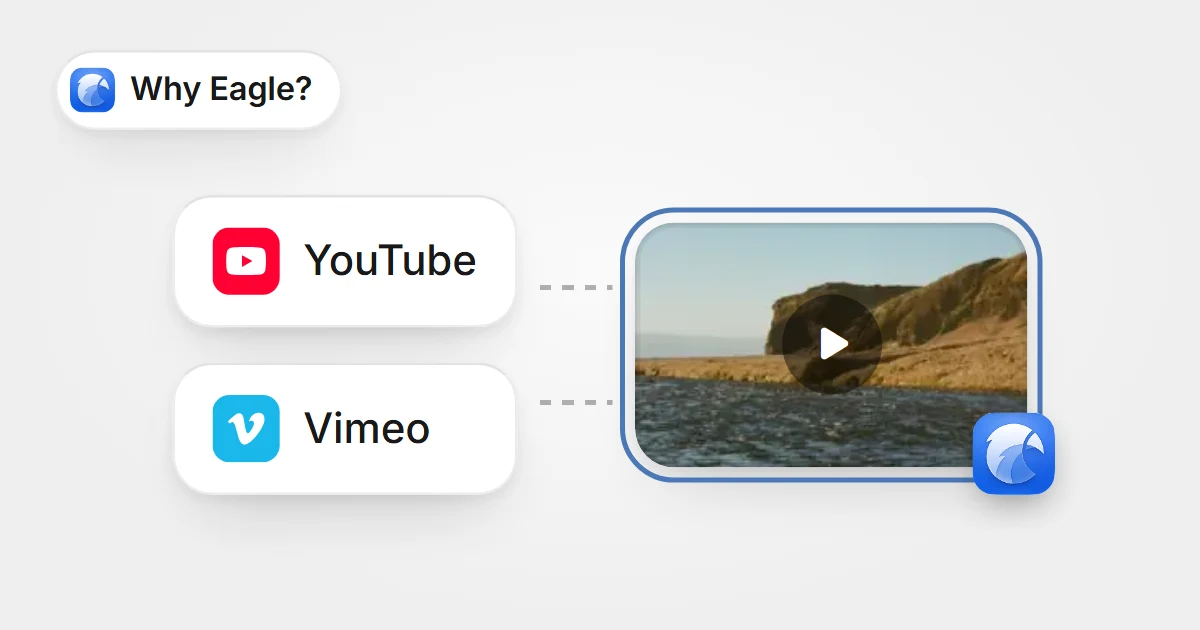
YouTube와 Vimeo가 Eagle에 저장된 영상 썸네일 하나로 이어지는 모습YouTube와 Vimeo가 Eagle에 저장된 영상 썸네일 하나로 이어지는 모습

The Ultimate Video Inspiration Organizer for YouTube and Vimeo

Eagle helps designers efficiently manage YouTube and Vimeo video inspirations with one-click saving, auto-thumbnails, hover previews, and flexible tag organization, solving the clutter and lack of visuals in traditional bookmarks.

지식2025-06-20
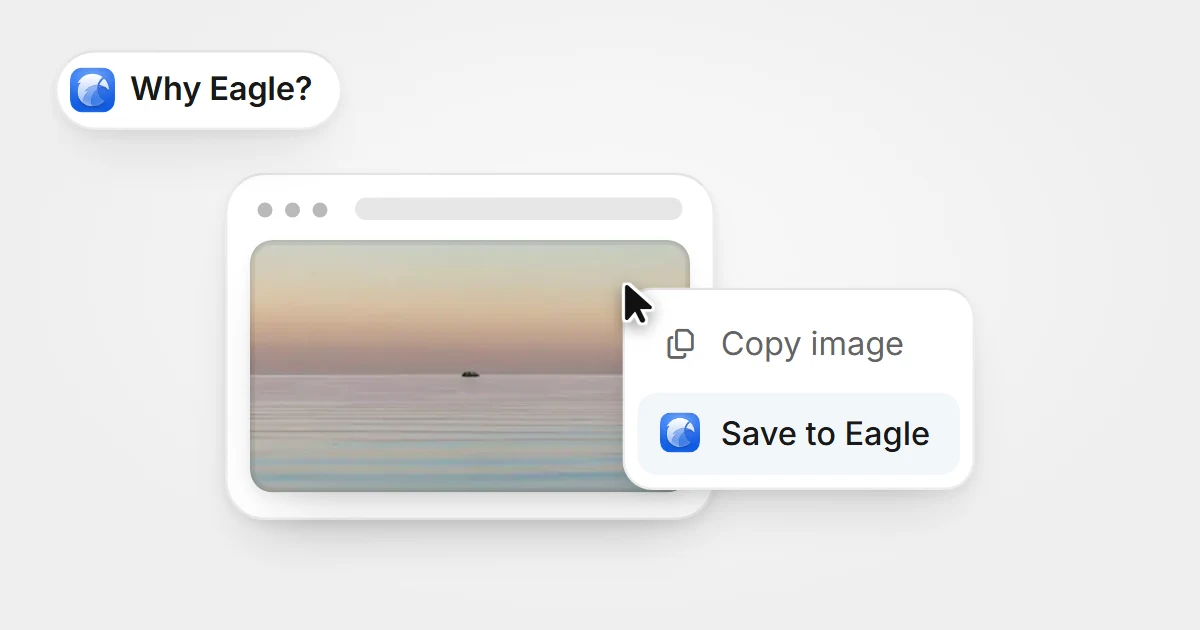
웹 페이지 이미지에서 오른쪽 클릭 메뉴를 열고 Save to Eagle을 고른 모습웹 페이지 이미지에서 오른쪽 클릭 메뉴를 열고 Save to Eagle을 고른 모습

An Effortless Way to Capture Web Inspiration

Designers often seek inspiration online, but saving images or screenshots can be tedious and restricted. Eagle’s web image/screenshot feature makes collecting effortless.

지식2025-06-16
사진 주위에 sunset, moodboard, warm, field 태그가 붙어 있는 모습사진 주위에 sunset, moodboard, warm, field 태그가 붙어 있는 모습

Streamline File Management: How Eagle Tags Boost Design Assets Organization

Every designer knows this feeling: a project deadline is looming, and you clearly remember saving that perfect inspirational image somewhere, but now it's nowhere to be found. You open your computer only to face a tangled mess of folders, each labeled vaguely as "references" or "inspiration." You try using the system search, but since the files weren't clearly named or labeled initially, the search yields nothing useful. Frustration sets in, and you either waste precious time manually searching or give up entirely and re-download similar images online.

지식2025-06-13
Eagle 4.0 Build 10: Enhanced Batch Renaming and Thumbnail Support

Eagle 4.0 Build 10: Enhanced Batch Renaming and Thumbnail Support

Enhances batch renaming with autocomplete, folder-based naming, time format options, and Blender thumbnail support for a smoother experience.

업데이트2025-06-10
Eagle 4.0 Build 9: Stability Enhancements and Bug Fixes

Eagle 4.0 Build 9: Stability Enhancements and Bug Fixes

This update will not be automatically pushed to all users. If you are interested in this update, feel free to visit the Eagle official website at any time to download the latest version. Please note that we typically only send update notifications through the Eagle software itself during major version updates, such as upgrading from 4.0 to 4.1. For minor improvements, like from 4.0 Build 9 to Build XX, we do not send individual notifications. Additionally, we will continue to post the latest update information on our official blog. For those who wish to experience the latest features, we welcome you to download and reinstall.

업데이트2025-05-07
  • 上一頁
  • 1
  • 2
  • 3
  • 4
  • 5
  • ...
  • 12
  • 下一頁

제품

  • 요금제 및 가격
  • 다운로드
  • 최신 개발 진행
  • 무료로 일련번호 받기

기능

  • 플러그인
  • 확장 프로그램
  • 중복 파일 검사
  • 일괄 이름 변경
  • 태그 선택
  • 파일 선택
  • 빠른 전환
  • 검사기
  • 필터

지원

  • 고객센터
  • 자주 묻는 질문
  • 디버깅
  • 일련번호를 잊어버림
  • 문의하기
  • 개인정보 처리방침
  • 최종 사용자 라이센스 계약

리소스

  • 바로 시작하기
  • 사용법 & 팁
  • 커뮤니티
  • 블로그
  • Plugin API
  • Web API

비즈니스

  • 콘텐츠 파트너십
  • 이벤트 스폰서십
  • 미디어 스폰서십
  • 미디어 키트
Product Hunt Product Hunt
Eagle

© 2017-2026 OGDESIGN.INC 모든 권리 보유

X (Twitter) Facebook Instagram
Language한국어
  • English
  • 繁體中文
  • 简体中文
  • 日本語
  • 한국어