Eagle
  • 홈
  • 확장 프로그램
  • 블로그
  • 학습

    빠른 시작비디오 튜토리얼모든 기능

    디자인 리소스

    UI 디자인폰트아이콘일러스트레이션도구

    개발자

    플러그인 센터플러그인 APIWeb API
  • 지원
요금제 및 가격
홈 확장 프로그램 블로그 지원 요금제 및 가격

학습

빠른 시작비디오 튜토리얼모든 기능

디자인 리소스

UI 디자인폰트아이콘일러스트레이션도구

개발자

플러그인 센터플러그인 APIWeb API
모든 지식 리소스 비하인드 업데이트
Eagle 4.0 Build14-16: Stability Enhancements and Bug Fixes

Eagle 4.0 Build14-16: Stability Enhancements and Bug Fixes

Eagle 4.0 Build14-16 update fixes folder rename issues, adds rating support to CSV export, improves RAW file format validation mechanism, and enhances macOS 26 focus lag issues for better overall stability and operation fluency.

업데이트2025-10-07
Eagle 4.0 Build13: Stability Enhancements and Bug Fixes

Eagle 4.0 Build13: Stability Enhancements and Bug Fixes

This update focuses on comprehensive improvements to system stability and user experience, addressing key issues including macOS Sequoia compatibility, shortcut key conflicts, and list sorting functionality, while enhancing file format validation mechanisms and audio processing stability to ensure smooth and reliable creative asset management across all usage scenarios.

업데이트2025-09-24
Eagle 4.0 Build 12: Advanced Search, 150 Customizable Shortcuts, All-New Export Tool

Eagle 4.0 Build 12: Advanced Search, 150 Customizable Shortcuts, All-New Export Tool

Build 12 brings three major improvements: Advanced Search with OR operators and parentheses, expanded shortcuts to 150 fully customizable options, and a completely rewritten export tool supporting 35+ formats.

업데이트2025-09-14
Eagle 5.0: AI Redefines How You Organize

Eagle 5.0: AI Redefines How You Organize

Eagle 5.0 is a complete upgrade. AI Search, AI Action, and Eagle MCP—three core features are here. From manual to intelligent, from tedious to efficient—privacy, security, and lifetime license bring creators a whole new experience.

업데이트2025-09-04
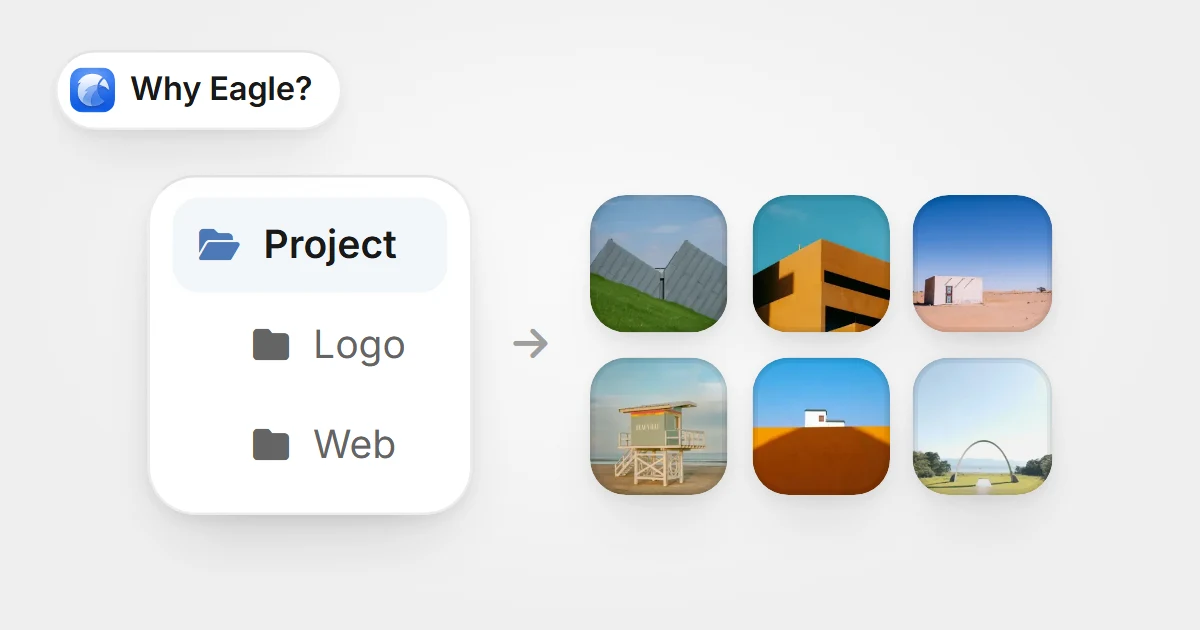
폴더 트리에서 상위 Project를 골라 모든 하위 폴더의 이미지를 한꺼번에 보여 주는 모습폴더 트리에서 상위 Project를 골라 모든 하위 폴더의 이미지를 한꺼번에 보여 주는 모습

Stop Wasting Hours in Folder Hell: Master Digital Asset Management with Subfolder Display

Discover how Eagle's subfolder content display revolutionizes digital asset management. Toggle between focused and comprehensive views instantly for faster file navigation.

지식2025-08-11
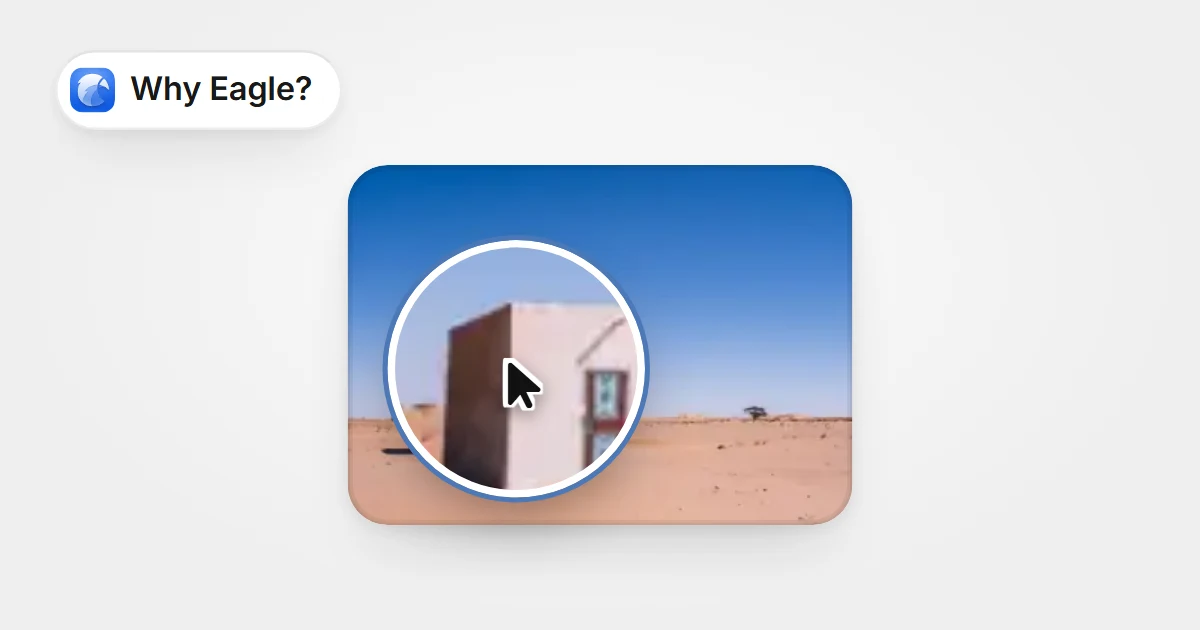
커서 위치의 돋보기가 사진에서 가리키는 지점을 그대로 확대하는 모습커서 위치의 돋보기가 사진에서 가리키는 지점을 그대로 확대하는 모습

The Image Viewer That Actually Gets How Designers Work: Eagle's Focus Zoom Revolution

Eagle's revolutionary focus zoom feature intelligently zooms based on cursor position. Zoom where you're looking with right-click gestures. Say goodbye to traditional viewer frustrations.

지식2025-08-06
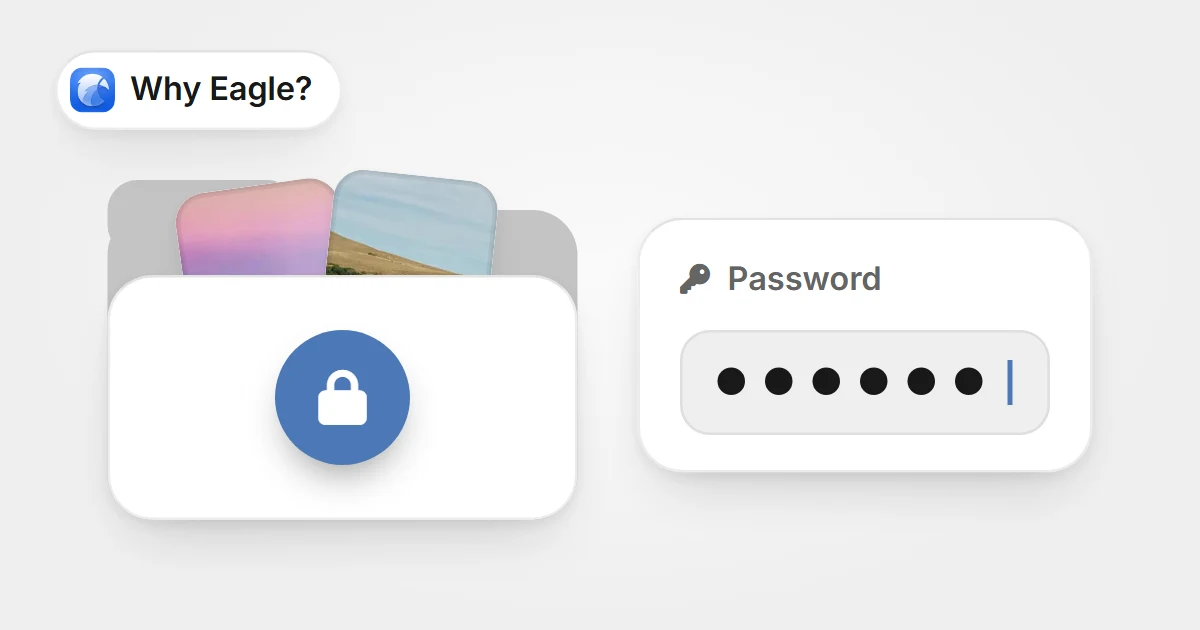
사진이 든 잠긴 큰 폴더와 그 옆의 비밀번호 입력란사진이 든 잠긴 큰 폴더와 그 옆의 비밀번호 입력란

How to Password Protect Folders: Eagle's Complete Security Guide for Creative Professionals

Eagle offers dual-layer folder password protection and app locking for creative professionals. Quick hotkey locking, serial number recovery if you forget passwords.

지식2025-08-03
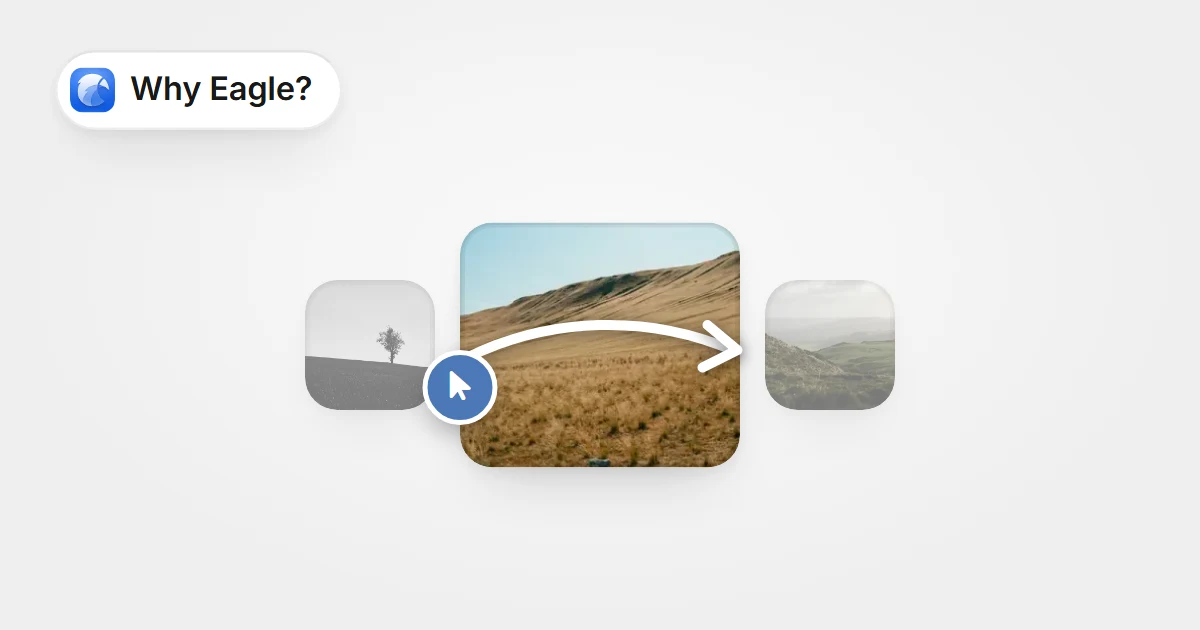
현재 사진 위에서 오른쪽 버튼을 누른 채 그어 다음 이미지로 넘어가는 제스처현재 사진 위에서 오른쪽 버튼을 누른 채 그어 다음 이미지로 넘어가는 제스처

Master Eagle's Right-Click Mouse Gestures: The One-Handed Workflow That's Changing How Designers Browse Assets

Master Eagle's right-click mouse gestures for lightning-fast image browsing. Navigate thousands of design assets with one hand. Perfect for tablet artists and efficiency-focused designers.

지식2025-08-01
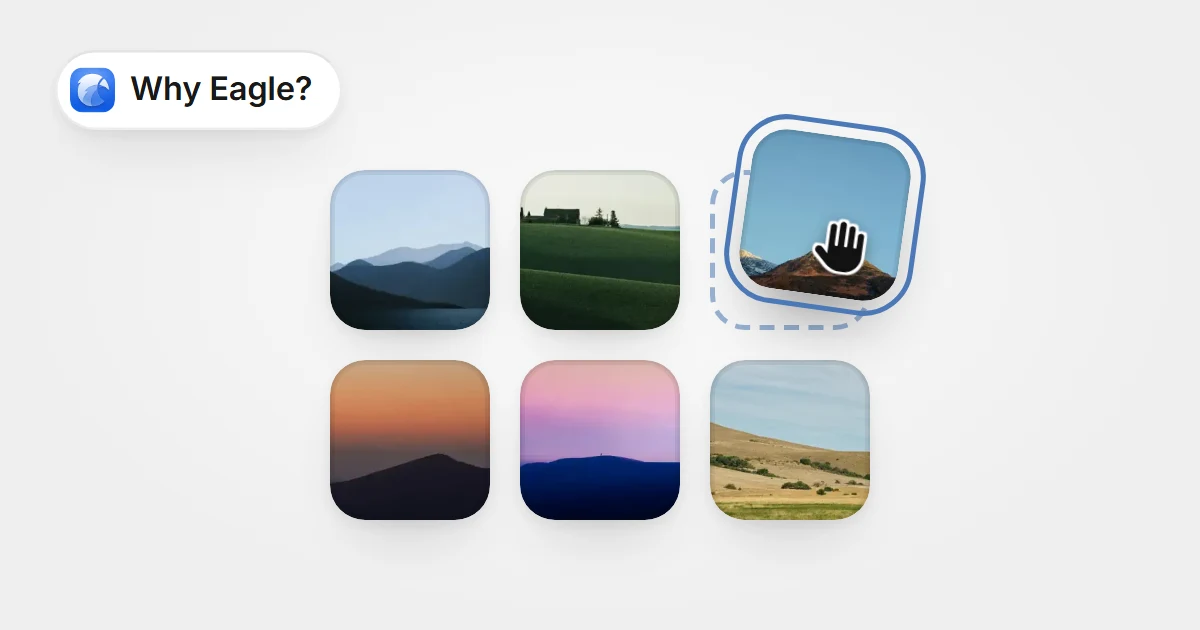
사진 격자에서 한 장을 집어 빈자리로 끌어 옮기는 모습사진 격자에서 한 장을 집어 빈자리로 끌어 옮기는 모습

Stop Losing Important Files in Folder Chaos: Eagle's Custom Photo Organizer Software Puts Your Assets Where You Need Them

Eagle's custom photo organizer software lets designers arrange digital assets like physical photos. Drag-drop sorting keeps important files front and center, boosting productivity.
지식2025-07-18
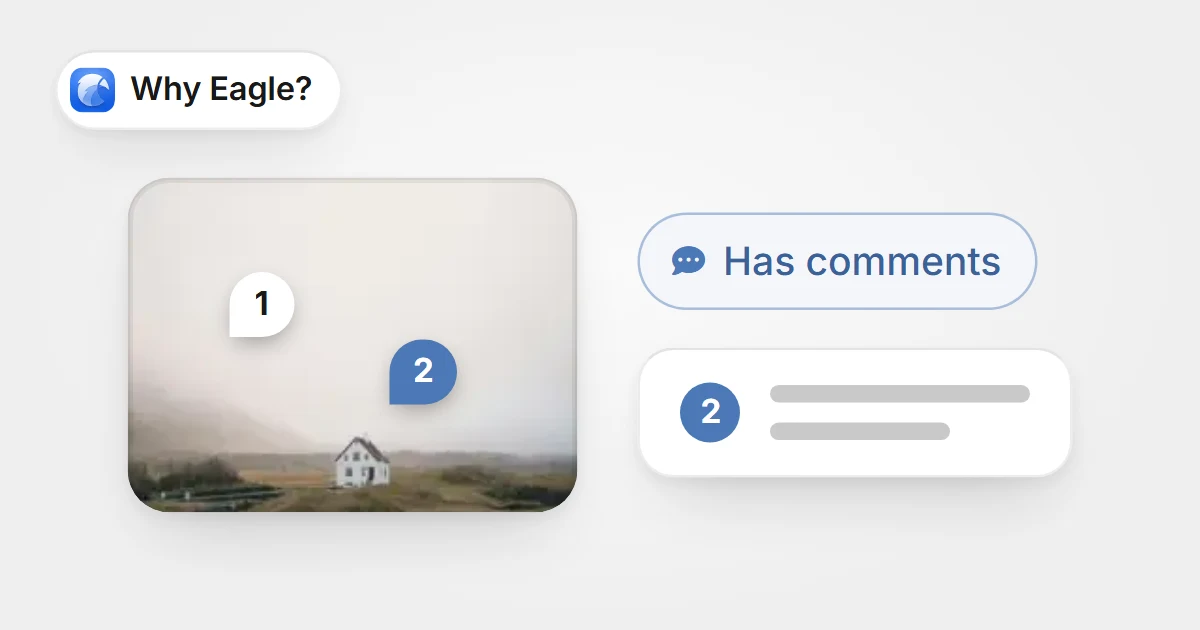
번호가 매겨진 댓글 핀이 있는 사진과 Has comments 필터, 선택한 핀의 메모번호가 매겨진 댓글 핀이 있는 사진과 Has comments 필터, 선택한 핀의 메모

Inspiration Isn't Gone! Use Eagle's Annotation/Comment Filters to Quickly Find Every Great Idea

Eagle 'Note/Comment Search' instantly locates all items and files containing specific keywords in notes and comments.

지식2025-07-11
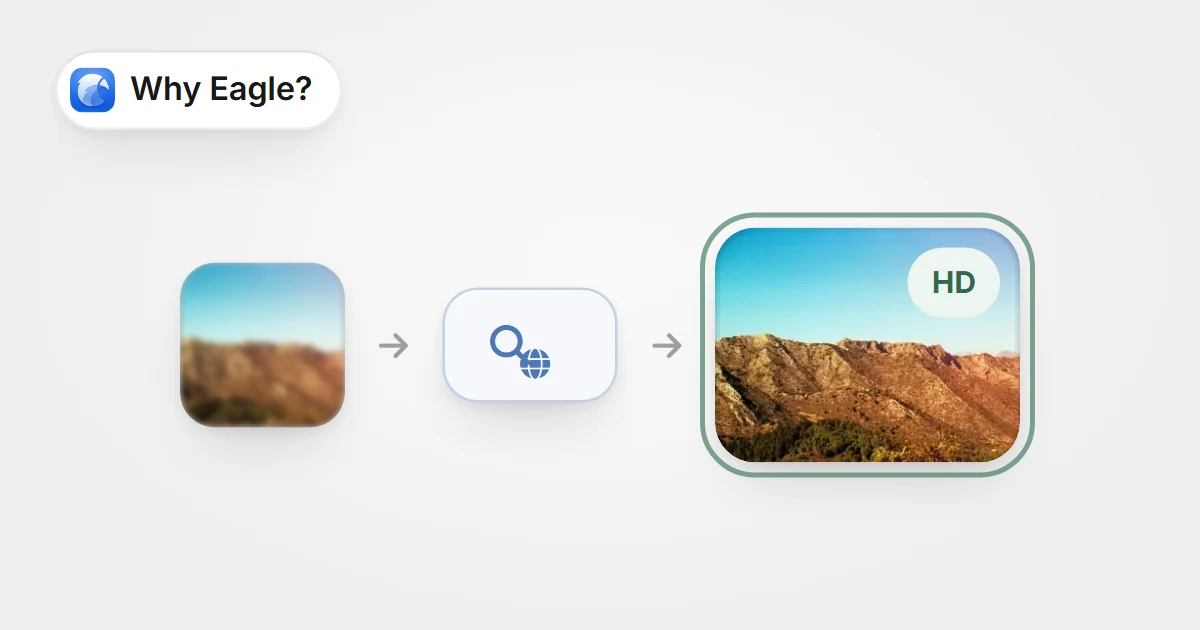
작고 흐린 이미지를 웹에서 검색해 선명하고 큰 HD 버전을 찾아낸 모습작고 흐린 이미지를 웹에서 검색해 선명하고 큰 HD 버전을 찾아낸 모습

No More Guesswork: With Eagle’s Reverse Image Search, Finding Sources and High-Res Versions Is Easier Than Ever!

Eagle’s “Reserve Image Search” instantly finds matching images across the web, helping designers track down original sources and high-res versions in seconds.

지식2025-07-08
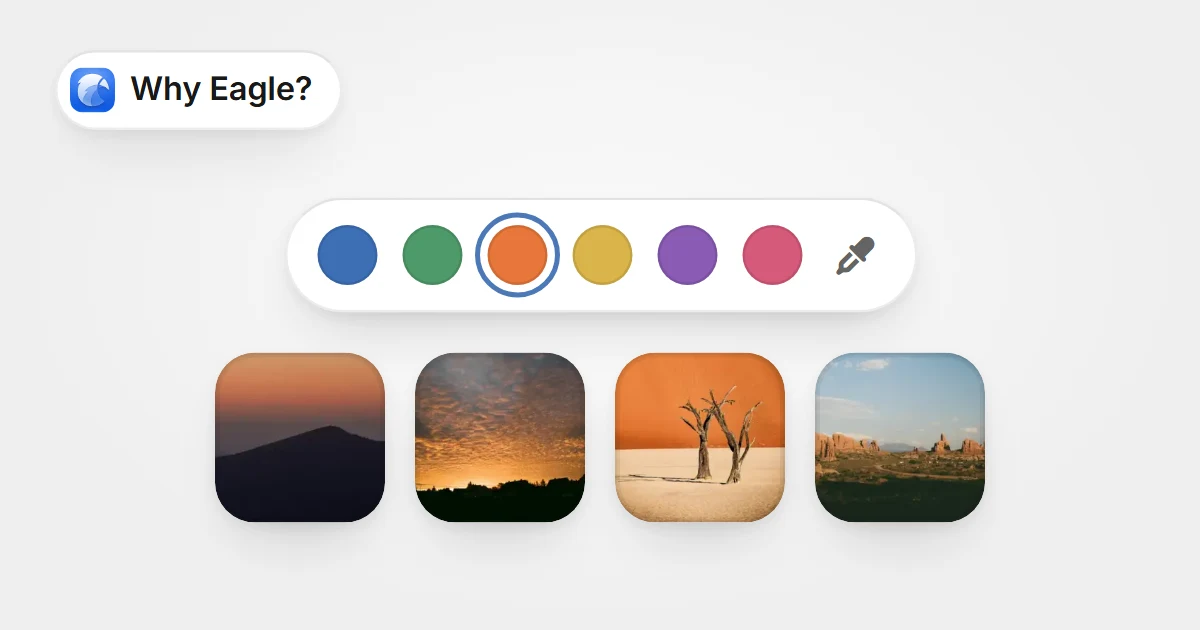
색상 견본 줄에서 주황색을 고르자 그 아래에 주황빛 사진들이 찾아진 모습색상 견본 줄에서 주황색을 고르자 그 아래에 주황빛 사진들이 찾아진 모습

Still Manually Scanning for The Right Color? Eagle’s Color Search Finds Any Shade in Half a Second

Eagle’s Color Search finds any color in your image library in just 0.5 seconds—simply click a swatch or enter a color code for instant, accurate results.

지식2025-07-08
  • 上一頁
  • 1
  • 2
  • 3
  • 4
  • 5
  • ...
  • 12
  • 下一頁

제품

  • 요금제 및 가격
  • 다운로드
  • 최신 개발 진행
  • 무료로 일련번호 받기

기능

  • 플러그인
  • 확장 프로그램
  • 중복 파일 검사
  • 일괄 이름 변경
  • 태그 선택
  • 파일 선택
  • 빠른 전환
  • 검사기
  • 필터

지원

  • 고객센터
  • 자주 묻는 질문
  • 디버깅
  • 일련번호를 잊어버림
  • 문의하기
  • 개인정보 처리방침
  • 최종 사용자 라이센스 계약

리소스

  • 바로 시작하기
  • 사용법 & 팁
  • 커뮤니티
  • 블로그
  • Plugin API
  • Web API

비즈니스

  • 콘텐츠 파트너십
  • 이벤트 스폰서십
  • 미디어 스폰서십
  • 미디어 키트
Product Hunt Product Hunt
Eagle

© 2017-2026 OGDESIGN.INC 모든 권리 보유

X (Twitter) Facebook Instagram
Language한국어
  • English
  • 繁體中文
  • 简体中文
  • 日本語
  • 한국어