
가이드
소재 정리, 찾기, 레퍼런스 활용을 위한 실용적인 방법.
-
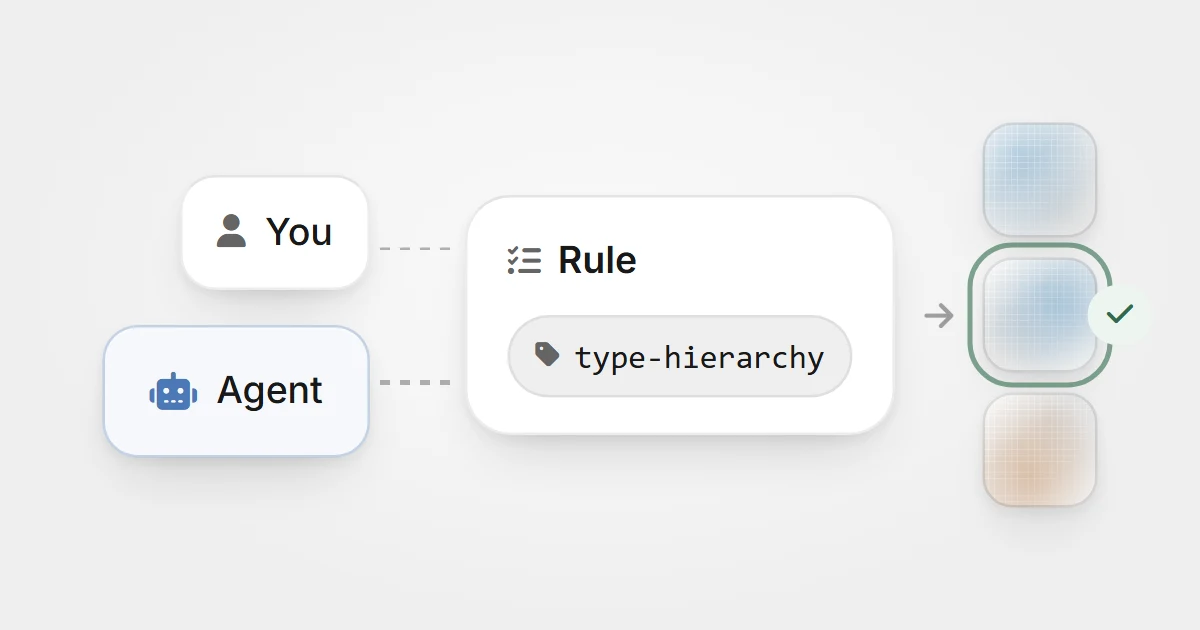

Eagle에서 자료를 찾기 어렵나요? AI와 정리 규칙 만들고 시험하기
Eagle에서 자료를 찾기 어려운 이유를 AI 에이전트와 살펴보고, 작업에 맞는 정리 규칙을 만들어 소량의 자료로 시험하는 방법을 알아봅니다.
-
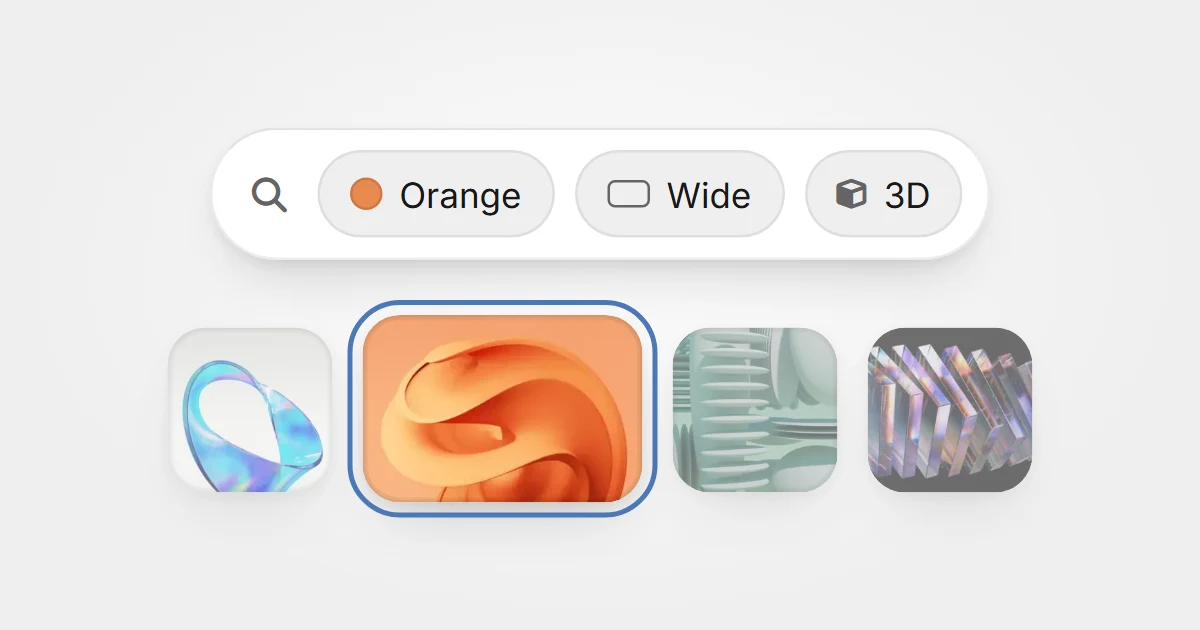

기억나는 단서로 저장한 디자인 자료 찾기
파일명이 기억나지 않나요? 색상, 이미지 비율, 기존 태그와 파일 형식을 단서로 Eagle에 저장한 디자인 자료의 검색 범위를 좁혀 보세요.
-
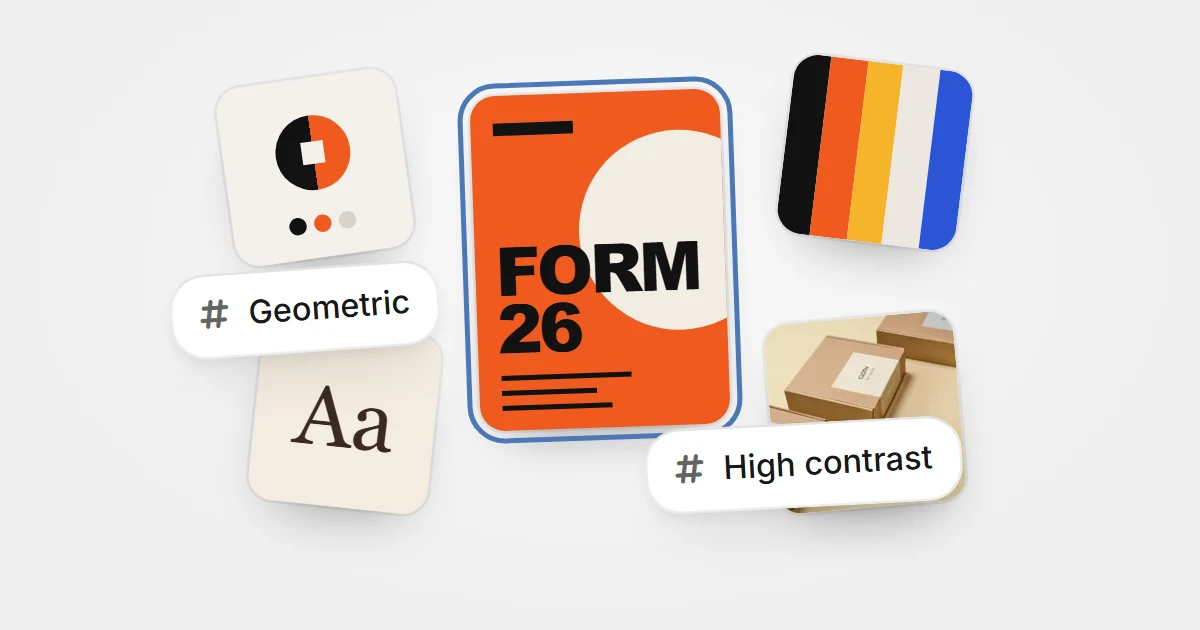

그래픽 디자인 에셋은 어떻게 정리할까요? 폰트, 컬러부터 레이아웃 영감까지 담는 나만의 디자인 레퍼런스 라이브러리
디자인 분야별로 폴더를 만들고, 태그로 스타일과 기법을 남기고, 디자인 관찰을 기록해 다음 프로젝트에서 수집한 자료를 다시 활용합니다.
-
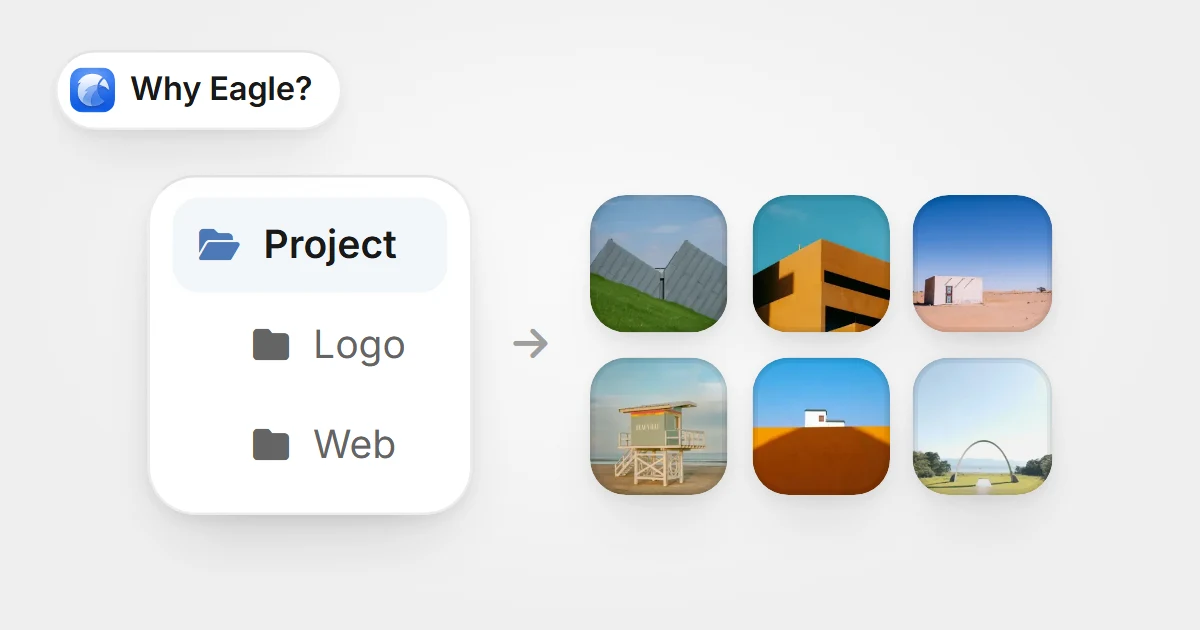

Stop Wasting Hours in Folder Hell: Master Digital Asset Management with Subfolder Display
Discover how Eagle's subfolder content display revolutionizes digital asset management. Toggle between focused and comprehensive views instantly for faster file navigation.
-
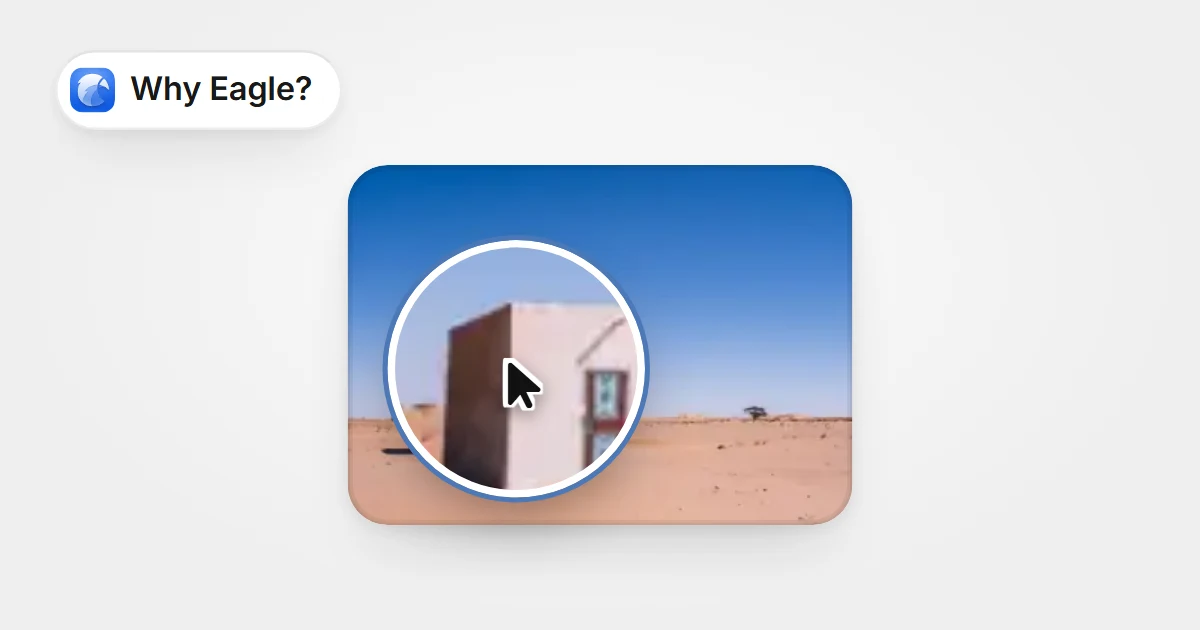

The Image Viewer That Actually Gets How Designers Work: Eagle's Focus Zoom Revolution
Eagle's revolutionary focus zoom feature intelligently zooms based on cursor position. Zoom where you're looking with right-click gestures. Say goodbye to traditional viewer frustrations.
-
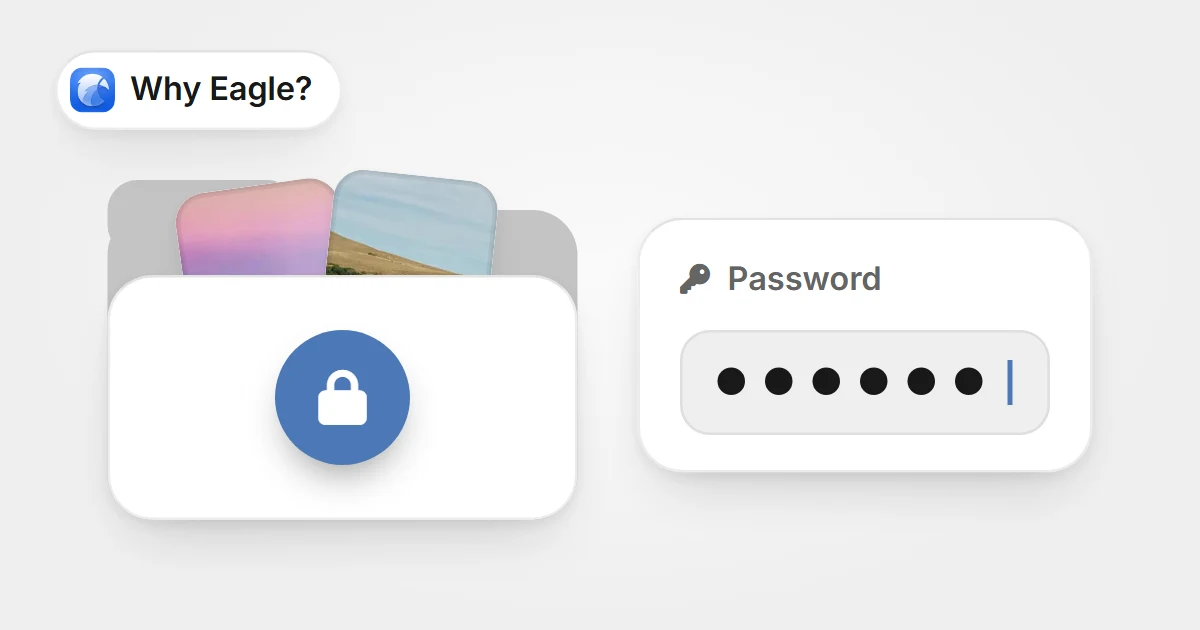

How to Password Protect Folders: Eagle's Complete Security Guide for Creative Professionals
Eagle offers dual-layer folder password protection and app locking for creative professionals. Quick hotkey locking, serial number recovery if you forget passwords.
-
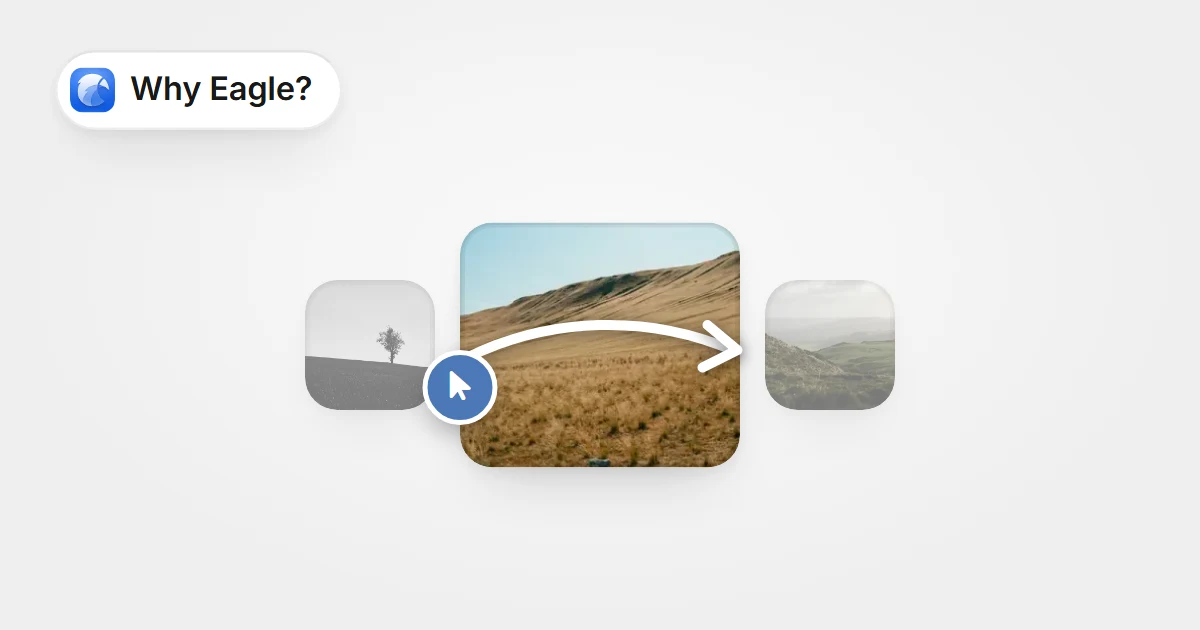

Master Eagle's Right-Click Mouse Gestures: The One-Handed Workflow That's Changing How Designers Browse Assets
Master Eagle's right-click mouse gestures for lightning-fast image browsing. Navigate thousands of design assets with one hand. Perfect for tablet artists and efficiency-focused designers.
-
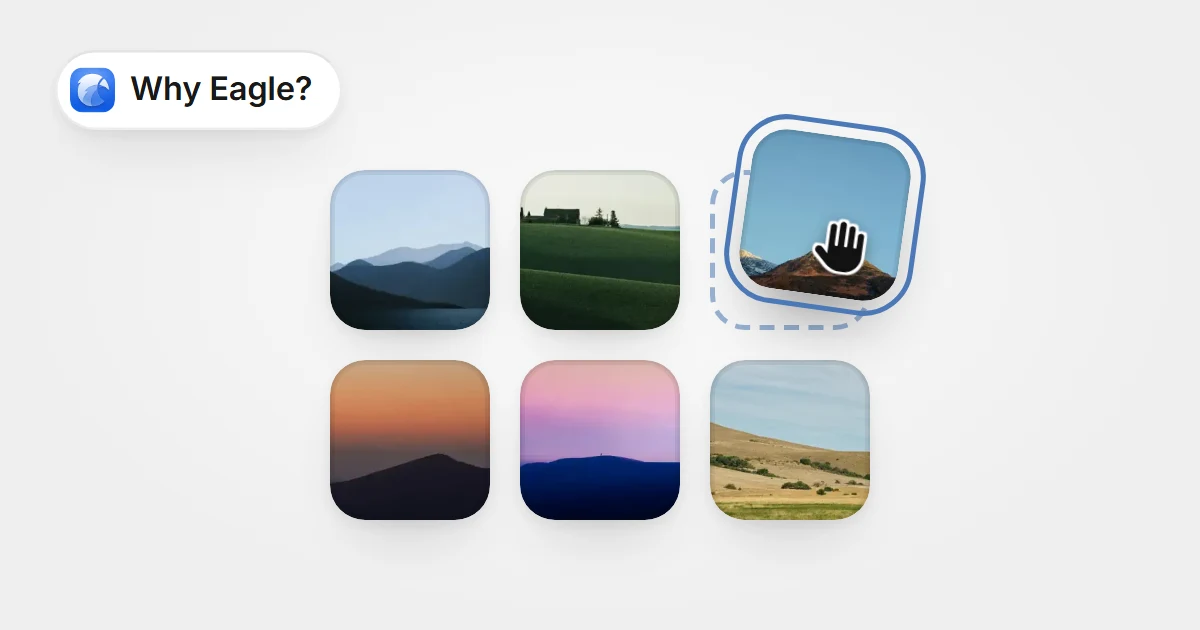

Stop Losing Important Files in Folder Chaos: Eagle's Custom Photo Organizer Software Puts Your Assets Where You Need Them
Eagle's custom photo organizer software lets designers arrange digital assets like physical photos. Drag-drop sorting keeps important files front and center, boosting productivity.
-
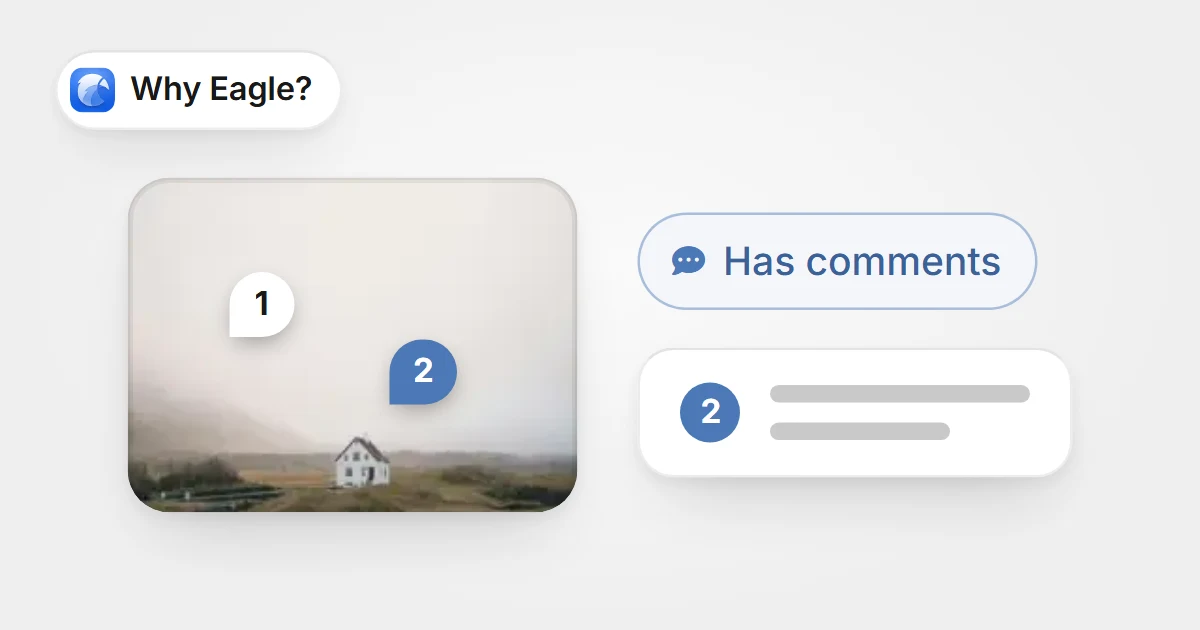

Inspiration Isn't Gone! Use Eagle's Annotation/Comment Filters to Quickly Find Every Great Idea
Eagle 'Note/Comment Search' instantly locates all items and files containing specific keywords in notes and comments.
-
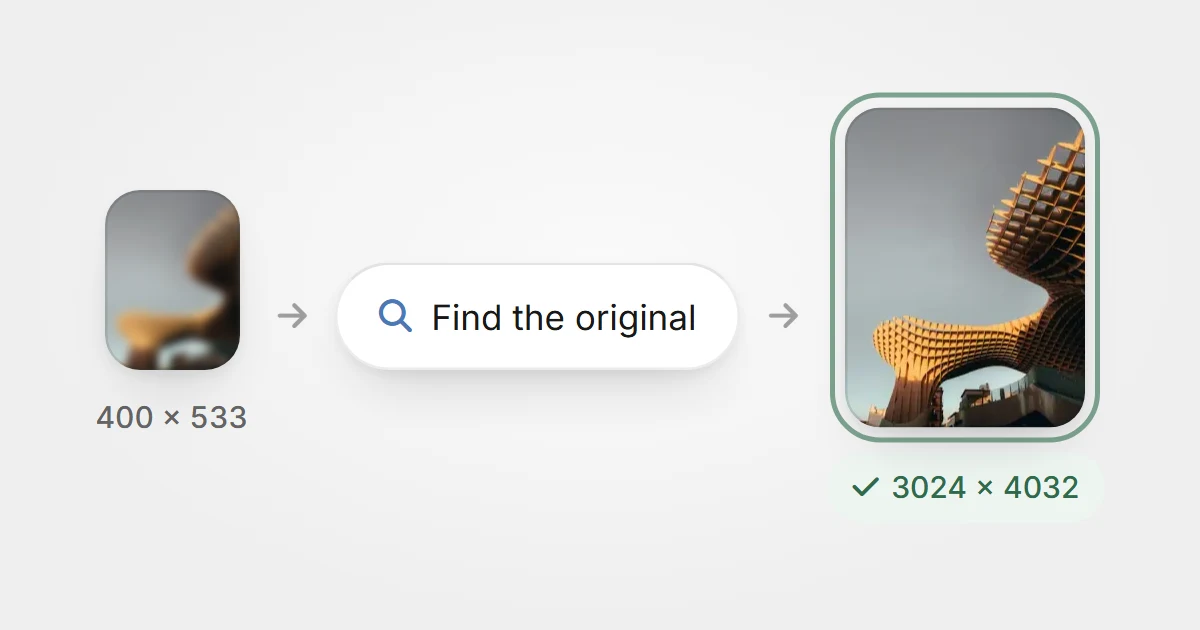

역이미지 검색으로 출처, 원본, 비슷한 이미지 찾기
작은 이미지 한 장만 남았나요? Google Lens와 TinEye로 출처와 큰 이미지를 찾고, Pinterest로 비슷한 레퍼런스를 넓혀 보세요. Eagle 플러그인으로 반복 작업을 줄이는 방법도 소개합니다.
-
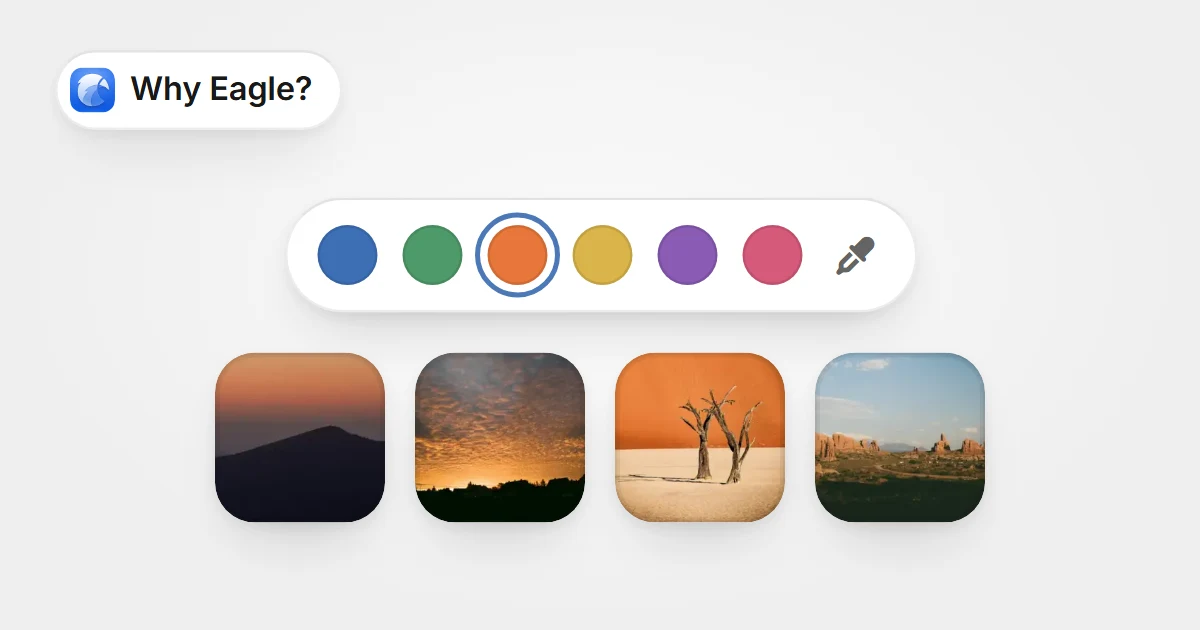

Still Manually Scanning for The Right Color? Eagle’s Color Search Finds Any Shade in Half a Second
Eagle’s Color Search finds any color in your image library in just 0.5 seconds—simply click a swatch or enter a color code for instant, accurate results.
-
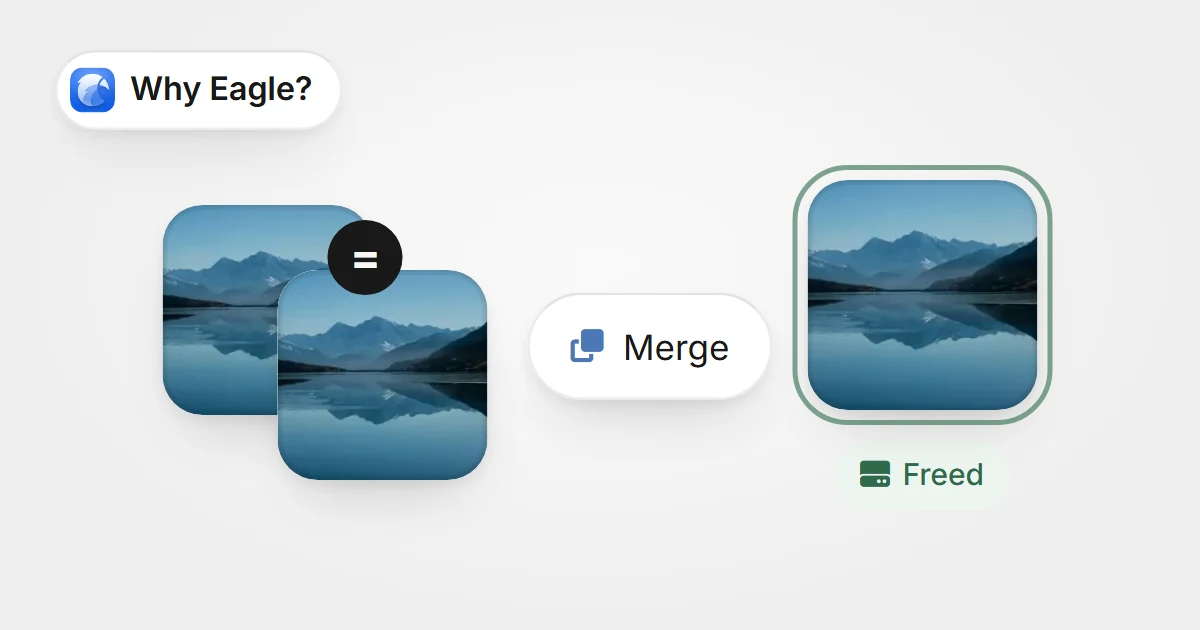

No More Duplicate Images: Eagle’s Scanning for Identical Files Frees Up Your Hard Drive
Eagle’s Scanning for Identical Files feature automatically detects and merges duplicate files—including tags and notes—so you can quickly free up valuable storage space and keep your asset library organized.